Containers

More
Deploy All-In-One OpenStack with Kolla-Ansible on Ubuntu 22.04

Deploy All-in-One OpenStack with Kolla-Ansible on Ubuntu 22.04
In this guide, you will to learn how to deploy all-in-one OpenStack with Kolla-Ansible on Ubuntu 22.04. Kolla provides Docker …
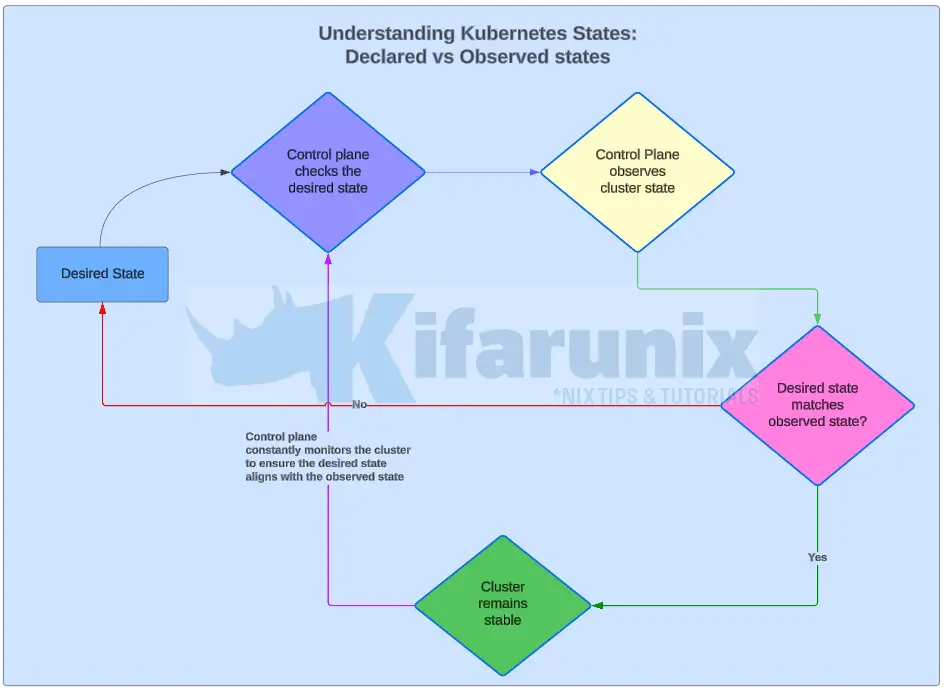
kubernetes states: declared vs actual state

Understanding Kubernetes States: Declared vs Observed states Explained
In Kubernetes, effective state management is crucial for maintaining the stability and reliability of your clusters. Kubernetes relies on two …
Deploy OpenBao on OpenShift with HA Raft, TLS, and Static Key Auto-Unseal: No Cloud KMS Needed
Deploy OpenBao on OpenShift with HA Raft, TLS, and Static Key Auto-Unseal: No Cloud KMS Needed

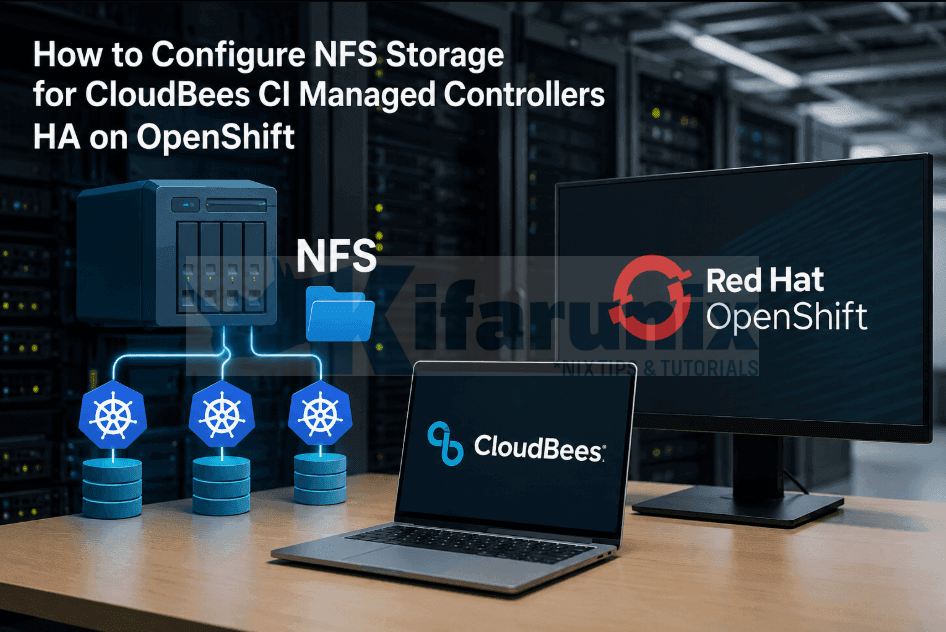
Running a secrets manager that requires manual intervention every time a pod restarts is not a secrets manager, it is …

Most Popular

More

MONITORING

More
fleet

Install Kolide Fleet Osquery Fleet Manager on Debian 10

koromicha

Welcome to our guide on how to install Kolide Fleet Osquery fleet manager on Debian …

Install and Setup Prometheus on Ubuntu 20.04

gen_too

In this guide, we are going to learn how to install Prometheus on Ubuntu 20.04. Prometheus is …

nagios nrpe

Install Nagios NRPE Agent on RHEL/CentOS/Oracle Linux

koromicha

In this tutorial, we are going to learn how to install Nagios NRPE Agent on …

Delete Specific Records from Elasticsearch Index

Delete Specific Records from Elasticsearch Index

koromicha

This is a simple tutorial on how to search and delete specific records from Elasticsearch …
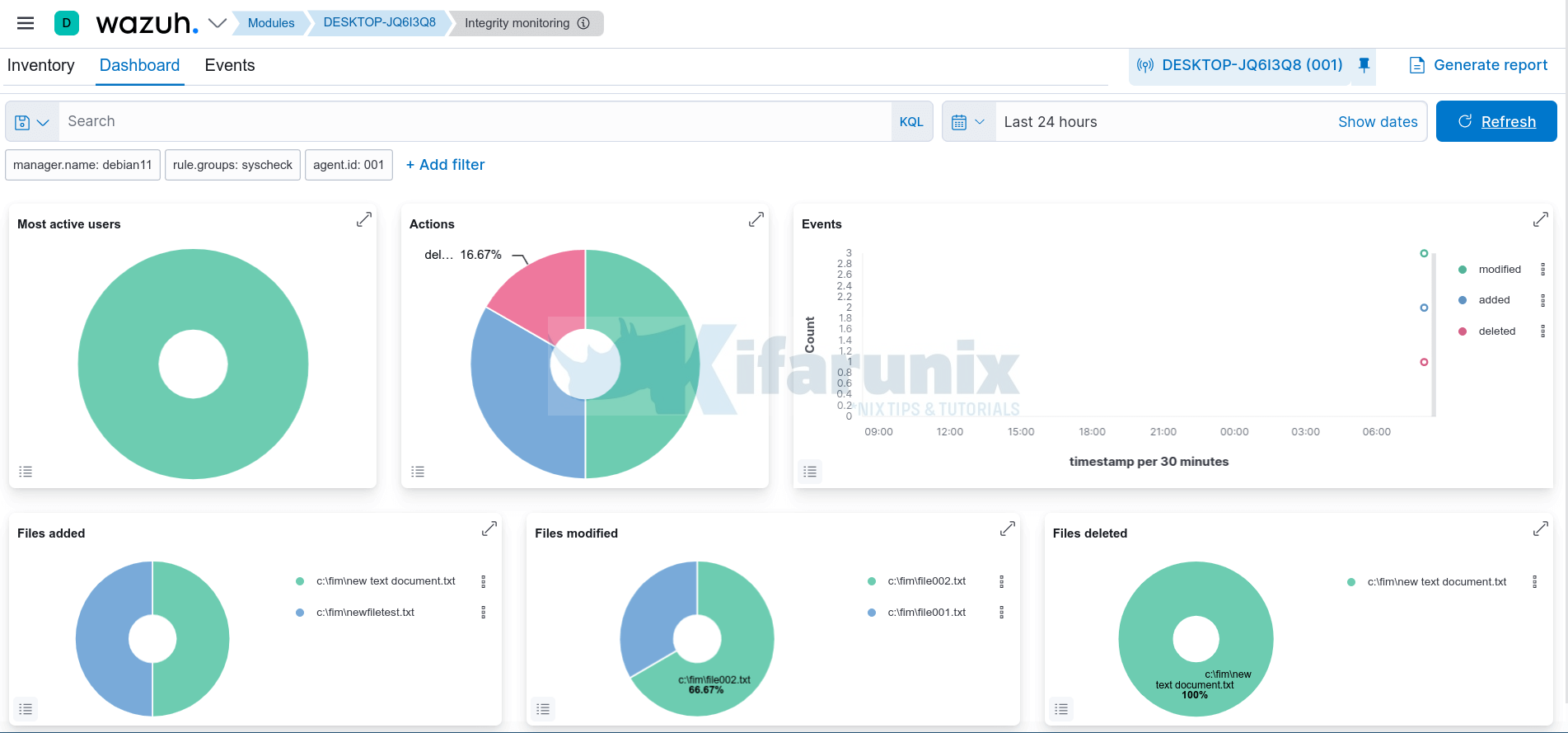
Monitor Changes to Critical Files on Windows Systems using Wazuh and ELK

Monitor Changes to Critical Files on Windows Systems using Wazuh and ELK

gen_too

In this tutorial, you will learn how to monitor changes to critical files on Windows …

velociraptor

Install and Setup Velociraptor on Ubuntu 20.04

gen_too

Welcome to our tutorial on how to install and setup Velociraptor on Ubuntu 20.04. Velociraptor …

Easily Configure Elasticsearch HTTPS Connection

Easily Configure Elasticsearch HTTPS Connection

Kifarunix

In this tutorial, you will learn how to easily configure Elasticsearch HTTPS Connection. You can …

kibana

Install ELK Stack on Ubuntu 20.04

gen_too

Welcome to our guide on how to install ELK Stack on Ubuntu 20.04. ELK, currently …

Install Prometheus on Debian 12

How to Install Prometheus on Debian 12

Kifarunix

In this guide, you will learn how to install Prometheus on Debian 12. Prometheus is an open-source …

install icinga2/icingaweb2

How to Install Icinga 2 and Icinga Web 2 on Ubuntu 18.04 LTS

koromicha

In this tutorial, we are going to learn how to install Icinga 2 and Icinga …
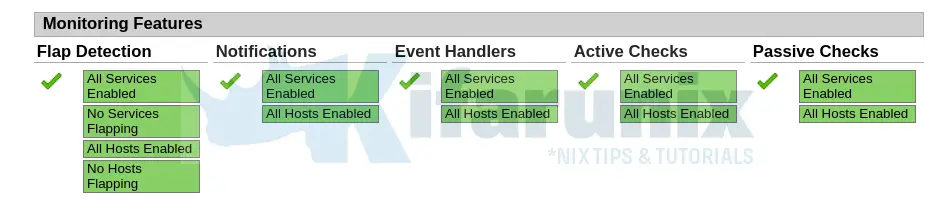
Install Nagios Core on FreeBSD 13

Install Nagios Core on FreeBSD 13

In this guide, we are going to learn how to install Nagios Core on FreeBSD 13. Nagios is an opensource tool that …
nagios nrpe

Install Nagios NRPE Agent on Rocky Linux 8

Follow through this guide to learn how to install Nagios NRPE agent on Rocky Linux 8. In order to execute Nagios plugins …
integrate Suricata with Wazuh for log processing

Integrate Suricata with Wazuh for Log Processing

Follow through this tutorial to learn how to integrate Suricata with Wazuh for log processing. With its ability to write …

NETWORKING

More
install wireshark on Linux

Install Wireshark on Ubuntu 22.04

In this guide, you will learn how to install Wireshark on Ubuntu 22.04. Wireshark is the world’s foremost and widely-used …
Install and use NMCLI tool on Debian Linux
Install and use NMCLI tool on Debian Linux

In this tutorial, we provide a step by step guide on how to install and use NMCLI tool on Debian …
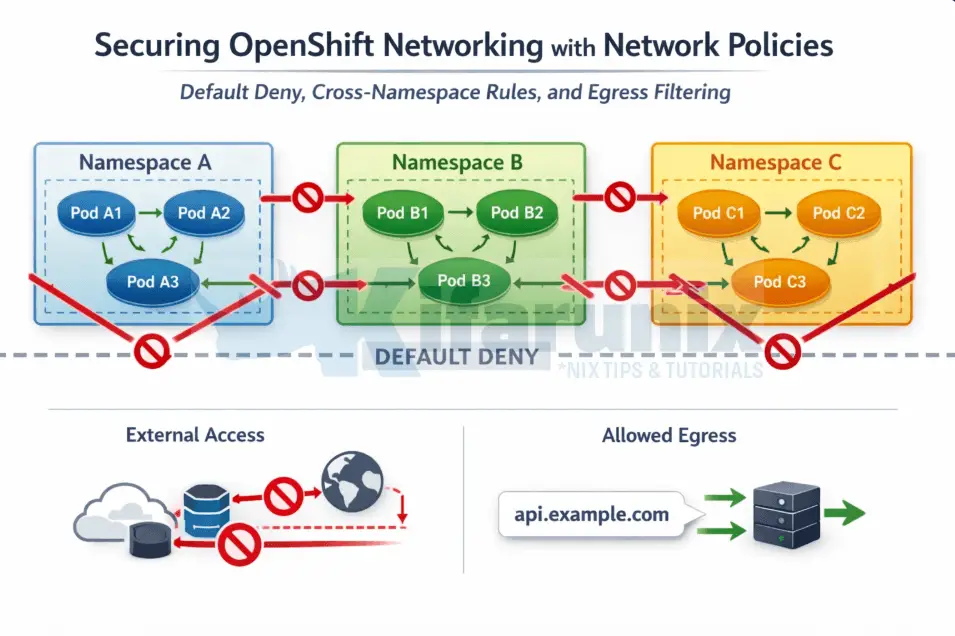
Securing OpenShift Networking with Network Policies: Default Deny, Cross-Namespace Rules, and Egress Filtering

Securing OpenShift Networking with Network Policies: Default Deny, Cross-Namespace Rules, and Egress Filtering

Securing OpenShift networking with network policies is one of the most critical steps in moving from a flat, permissive cluster …
Useful Facts About Setting Up Mobile Rugged Servers
Useful Facts About Setting Up Mobile Rugged Servers

Modern warfare is evolving. Having boots on the ground is still the most important component of winning any conflict, however, …
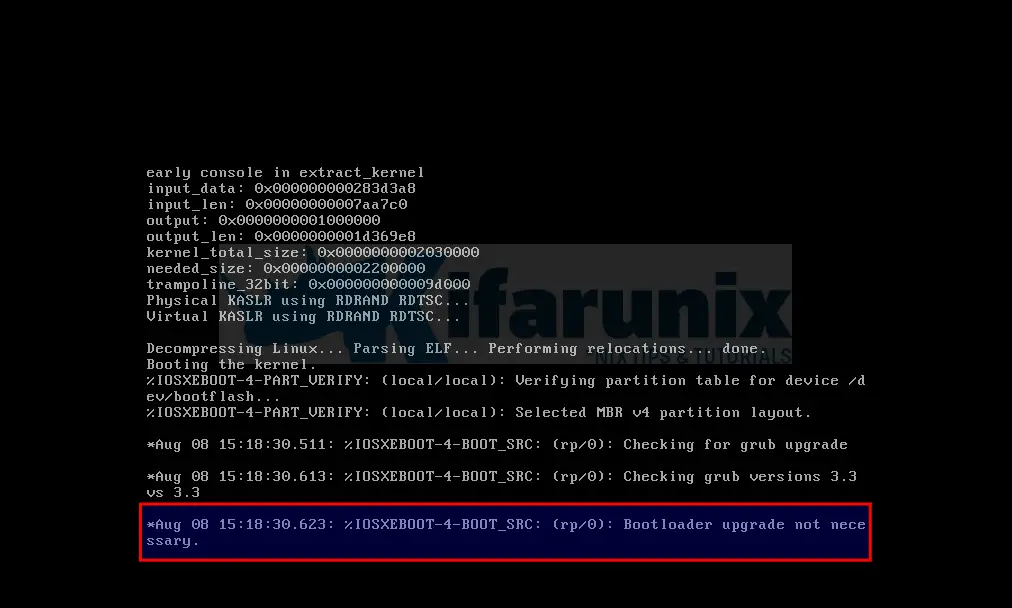
How to fix Cisco Catalyst 8000v Edge Stuck on Bootloader upgrade not Necessary

Cisco Catalyst 8000v Edge Stuck on Bootloader upgrade not Necessary

How to fix Cisco Catalyst 8000v Edge Stuck on Bootloader upgrade not Necessary? Well, in one way or another, you …

Install and Setup OpenVPN Server on Fedora 29/CentOS 7
In this guide, we are going to learn how to Install and Setup OpenVPN Server on Fedora 29/CentOS 7. OpenVPN …
Easy way to Test Internet Speed on Linux Terminal
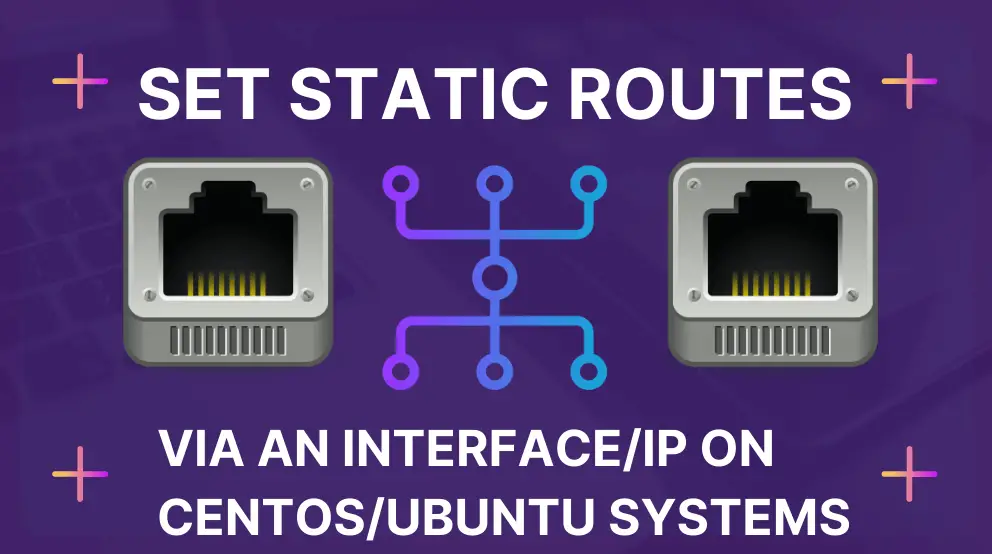
Easy way to Test Internet Speed on Linux Terminal

In this tutorial, we will show you an easy way to test Internet speed on Linux terminal. More often than …
Set Static Routes via an Interface/IP on CentOS/Ubuntu

Set Static Routes via an Interface/IP on CentOS/Ubuntu

In this tutorial, you will learn how to set static routes via an interface/IP on CentOS/Ubuntu systems. In a network, …
Install and use NMCLI tool on Debian Linux

Connect to WiFi in Linux Using NMCLI command

This tutorial will guide you on how to connect to WiFi in Linux using NMCLI command. NMCLI is a command-line …
install Malcolm network traffic analysis tool on Ubuntu

Analyze PCAP Files using Malcolm Network Traffic Analysis tool
In this tutorial, you will learn how to analyze PCAP files using Malcolm network traffic analysis tool. Malcolm can be …
Create Virtual/Secondary IP addresses on an Interface in Linux

Create Virtual/Secondary IP addresses on an Interface in Linux

Follow through this tutorial to learn how to create virtual/secondary IP addresses on an interface in Linux. This enables you …
install wireshark on Linux

Install Latest Wireshark on Ubuntu 18.04
In this guide, we are learn how to install latest Wireshark on Ubuntu 18.04. Wireshark is the world’s foremost and …

VIRTUALIZATION

More
Install KVM on Debian 12

Install KVM on Debian 12

Kifarunix

In this tutorial, you will learn how to install KVM on Debian 12. KVM, an …
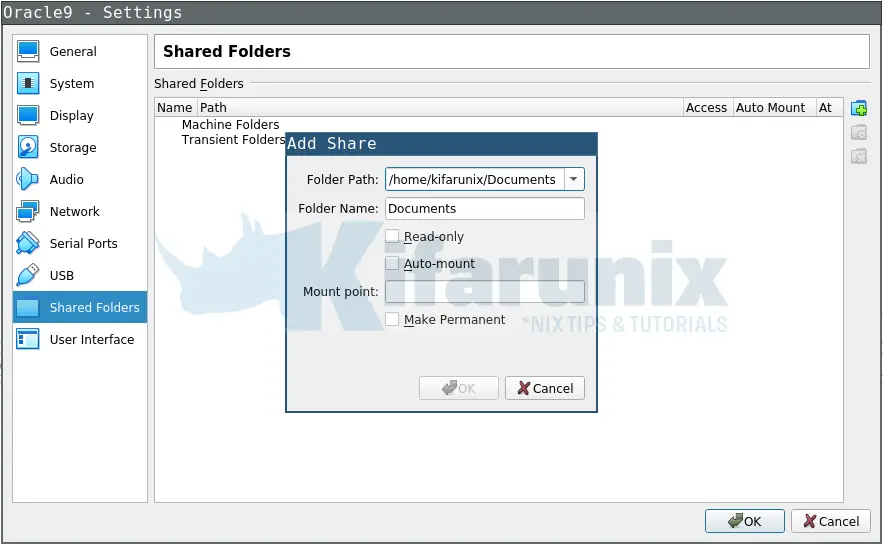
Easily Access Shared Folder on Linux VirtualBox VM

Easily Access Shared Folder on Linux VirtualBox VM

koromicha

In this tutorial, you will learn how to setup and easily access shared folder on …

How to fix QEMU/KVM Not Connected Error on Ubuntu 20.04

koromicha

In this tutorial, you will learn how to fix QEMU/KVM Not connected error on Ubuntu …
install portainer on Linux

Install Portainer on Rocky Linux

koromicha

In this tutorial, you will learn how to install Portainer on Rocky Linux. Portainer is a …

Install VirtualBox 6.1 on Ubuntu 18.04 Desktop

koromicha

VirtualBox 6.1.0 which is a major update of VirtualBox was released December 10 2019 with quite …

Install VirtualBox Guest Additions on Ubuntu 18.04

Jay Decrame

In this guide, we are going to learn how to install VirtualBox Guest Additions on …
Install Rocky Linux 9 on VirtualBox

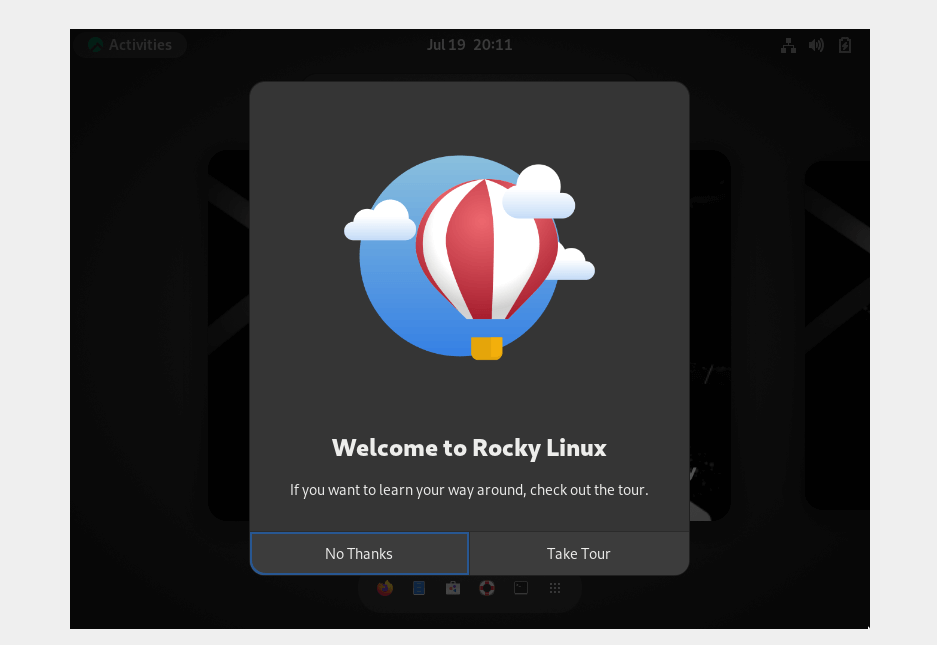
Install Rocky Linux 9 on VirtualBox

koromicha

In this tutorial, you will learn on how to easily install Rocky Linux 9 on …

Install VirtualBox Guest Additions on CentOS 8

koromicha

In our previous guide, we learnt how to Install CentOS 8 on VirtualBox. However, it …
Screenshot from 2021 01 13 22 50 51 1

Install VirtualBox 6.1 on Fedora 33

kaptotonindet

In this tutorial, you will learn how to install VirtualBox 6.1 on Fedora 33. VirtualBox …
Install VirtualBox 7 on Ubuntu 24.04

Install VirtualBox 7 on Ubuntu 24.04

Kifarunix

In this post, you will learn how to install VirtualBox 7 on Ubuntu 24.04. Installing …
genymotion login

Install Genymotion Android Emulator on Ubuntu 20.04

Follow through this guide to learn how to install Genymotion Android emulator on Ubuntu 20.04. Genymotion, is an android emulator …
install ubuntu 25.04 on virtualbox

How to Install Ubuntu 25.04 on VirtualBox: A Step-by-Step Guide

Wondering how to install Ubuntu 25.04 on VirtualBox? Ubuntu 25.04, codenamed “Plucky Puffin,” is the latest iteration of Canonical’s renowned …

How to Upgrade VirtualBox 5.2 to VirtualBox 6.0 on Ubuntu 16.04

In this tutorial, we are going to learn how to Upgrade VirtualBox 5.2 to VIrtualBox 6.0 on Ubuntu 16.04. Oracle …
document.addEventListener("DOMContentLoaded", function() { document.querySelectorAll(".scroll-box").forEach(function(box) { box.style.position = "relative"; // Needed for absolute positioning of button var button = document.createElement("button"); button.className = "copy-icon-btn"; button.setAttribute("aria-label", "Copy code"); button.innerHTML = ''; box.appendChild(button); button.addEventListener("click", function() { var text = box.innerText; navigator.clipboard.writeText(text).then(function() { button.querySelector("svg").setAttribute("fill", "#4CAF50"); setTimeout(function() { button.querySelector("svg").setAttribute("fill", "white"); }, 1500); }).catch(function(err) { console.error("Copy failed: ", err); }); }); }); });