Use VirtualBox VMs on KVM
Do you have some VirtualBox virtual machines that you would like to re-use on your KVM? Follow through this guide to learn how to use

Do you have some VirtualBox virtual machines that you would like to re-use on your KVM? Follow through this guide to learn how to use
In this tutorial, you will learn how to install KVM on Oracle Linux. KVM, an acronym for Kernel-based Virtual Machine, is an opensource, full virtualization
In this tutorial, you will learn how to install Portainer on Ubuntu 22.04. Portainer is a self-service container service delivery platform that provides container management GUI
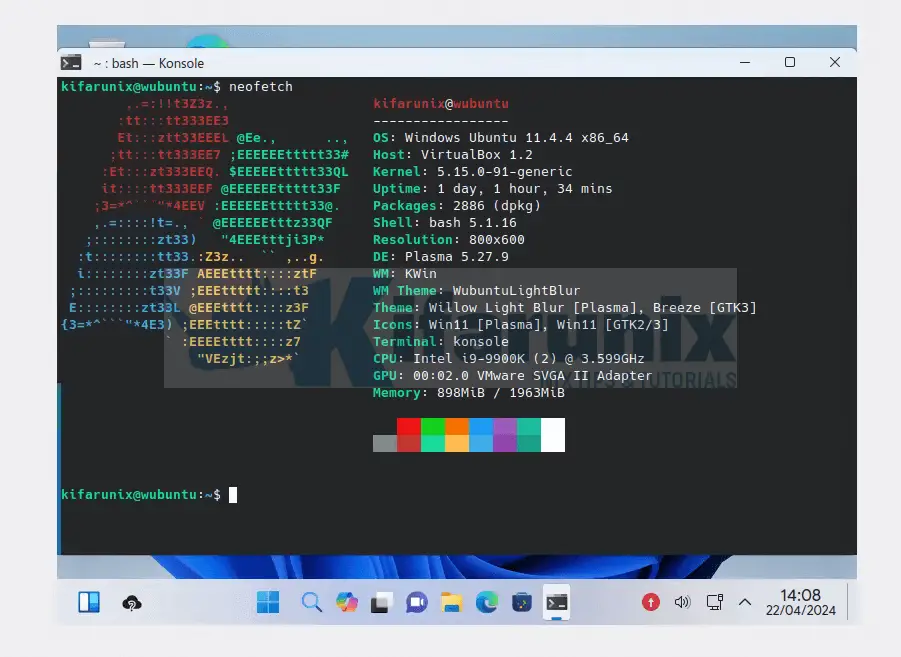
Follow through this guide to learn how to install Wubuntu Linux on VirtualBox. According to wubuntu.org; Wubuntu – Linux with Windows appearance, without any hardware
How can I setup a Docker swarm? In this tutorial, you will learn how to setup three node Docker swarm cluster on Ubuntu 22.04. Docker

In this tutorial, you learn how to install Ubuntu 21.04 Desktop on VirtualBox. The latest stable release of Ubuntu, Ubuntu 21.04, code named Hirsute Hippo
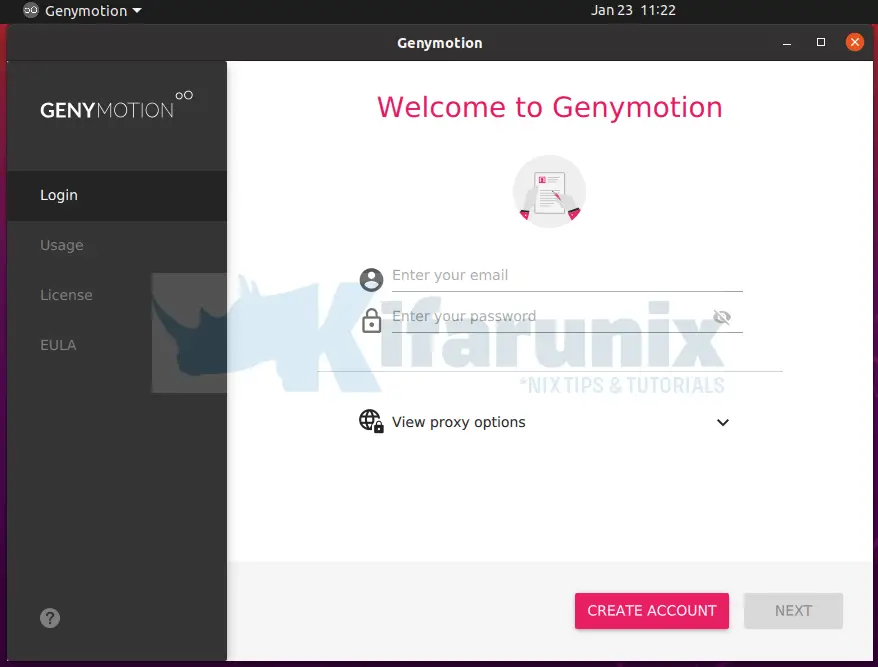
Follow through this guide to learn how to install Genymotion Android emulator on Ubuntu 20.04. Genymotion, is an android emulator that provides a virtual Android
In this tutorial, you will learn how to install KVM on Ubuntu 24.04. KVM (Kernel-based Virtual Machine) is an opensource, virtualization tool for Linux systems
In this tutorial, you will learn how to install KVM on Debian 12. KVM, an acronym for Kernel-based Virtual Machine, is an opensource, full virtualization
Follow through this tutorial to learn how to install Debian 12 on VirtualBox. The Debian project is proud to present its new stable version 12