Skip to content
kifarunix.com
  • Home
  • Blog
    • HowTos
    • Containers
    • Security
    • Networking
    • Storage
    • Virtualization
    • Monitoring
  • About Us
  • Contact Us

reset ceph dashboard

How to Reset Ceph Dashboard Admin Password

How to Reset Ceph Dashboard Admin Password

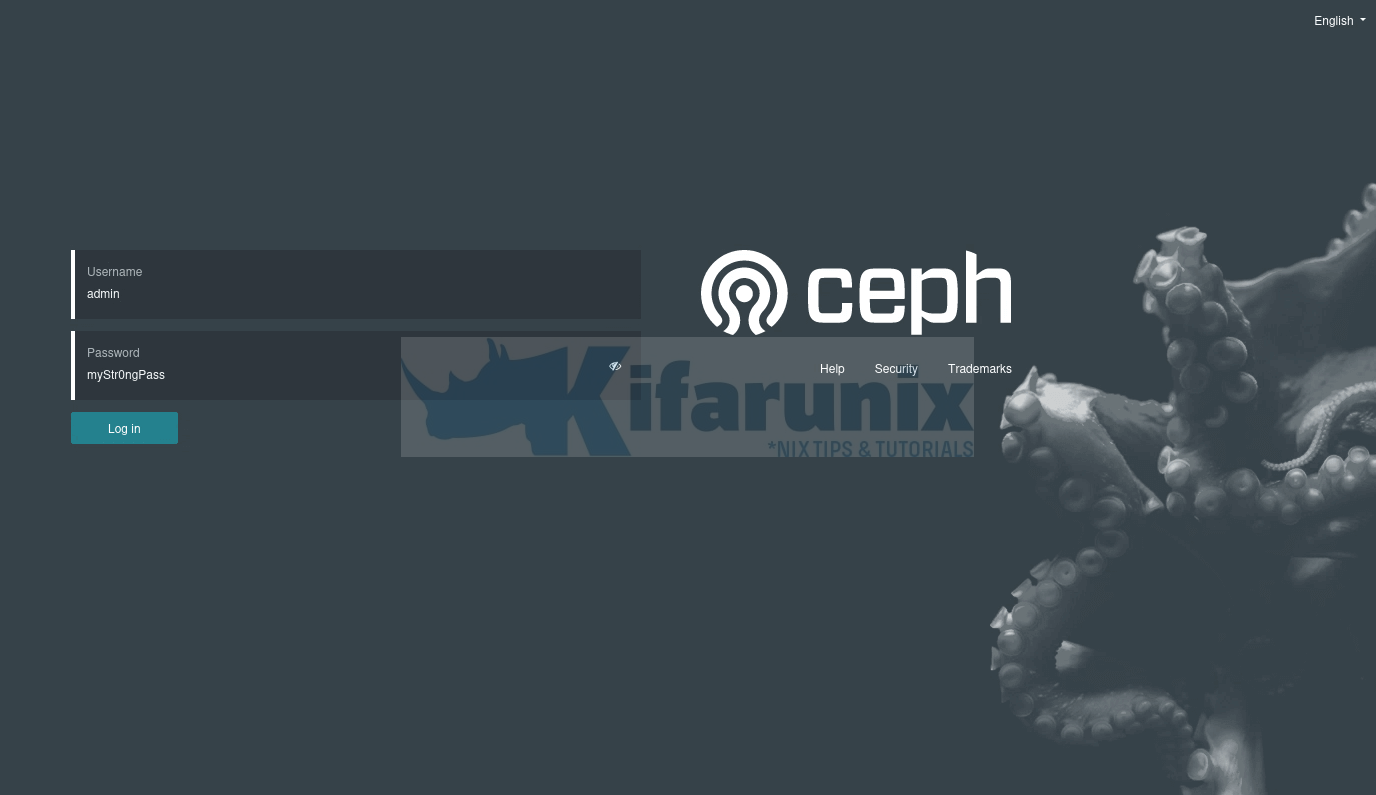
In this blog post, you will learn how to reset Ceph dashboard admin password. The Ceph dashboard serves as a central hub for monitoring and

Latest Posts

How to Enable User Workload Monitoring in OpenShift 4.20: Let Developers Monitor Their Apps

How to Configure Production-Ready Monitoring in OpenShift: Prometheus, Alertmanager & Persistent Storage

Configure OpenShift 4 Image Registry Persistent Storage with ODF: 2026 Step-by-Step Guide

How to Install and Configure OpenShift Data Foundation (ODF) on OpenShift 4.20: Step-by-Step Guide [2026]

How to Deploy an OpenShift Cluster Using Agent-Based Installer (Bootable ISO, KVM & Bare Metal)

Integrate Request Tracker (RT) with Active Directory for Authentication

Containers

Install and Use Docker CE on CentOS 8

Monitor Docker Containers Metrics using Grafana

Deploy Multinode OpenStack using Kolla-Ansible

Setup Kubernetes Cluster on Ubuntu 22.04/20.04

Install and Use Docker on Debian 10 Buster

Why Docker Hardened Images Are a Game-Changer for Software Supply Chain Security

Security

Install GVM 21.04 on Rocky Linux 8

Install Cisco AnyConnect Client on CentOS 8

What Is an SSL Certificate and How Can It Benefit Your Business?

Setup Squid Proxy Authentication on Ubuntu 18.04/Fedora 29/28/CentOS 7

Install Nikto Web Scanner on Rocky Linux 8

8 Handy Ways You Can Use A VPN In Your Everyday Life

Monitoring

Install Nagios Plugins and NRPE agents on CentOS 7/RHEL 7/Fedora 29

Install OSSEC Agent on Debian 10 Buster

Configure Nagios Email Notification Using Gmail

Configure Logstash Elasticsearch Basic Authentication

Send Alert When ClamAV Finds Infected Files on Linux Systems

Install ELK Stack 8.x on Ubuntu 24.04/Ubuntu 22.04

© 2026 kifarunix.com

Home Advertise with us Privacy Policy