Skip to content
kifarunix.com
  • Home
  • Blog
    • HowTos
    • Containers
    • Security
    • Networking
    • Storage
    • Virtualization
    • Monitoring
  • About Us
  • Contact Us

kibana authentication

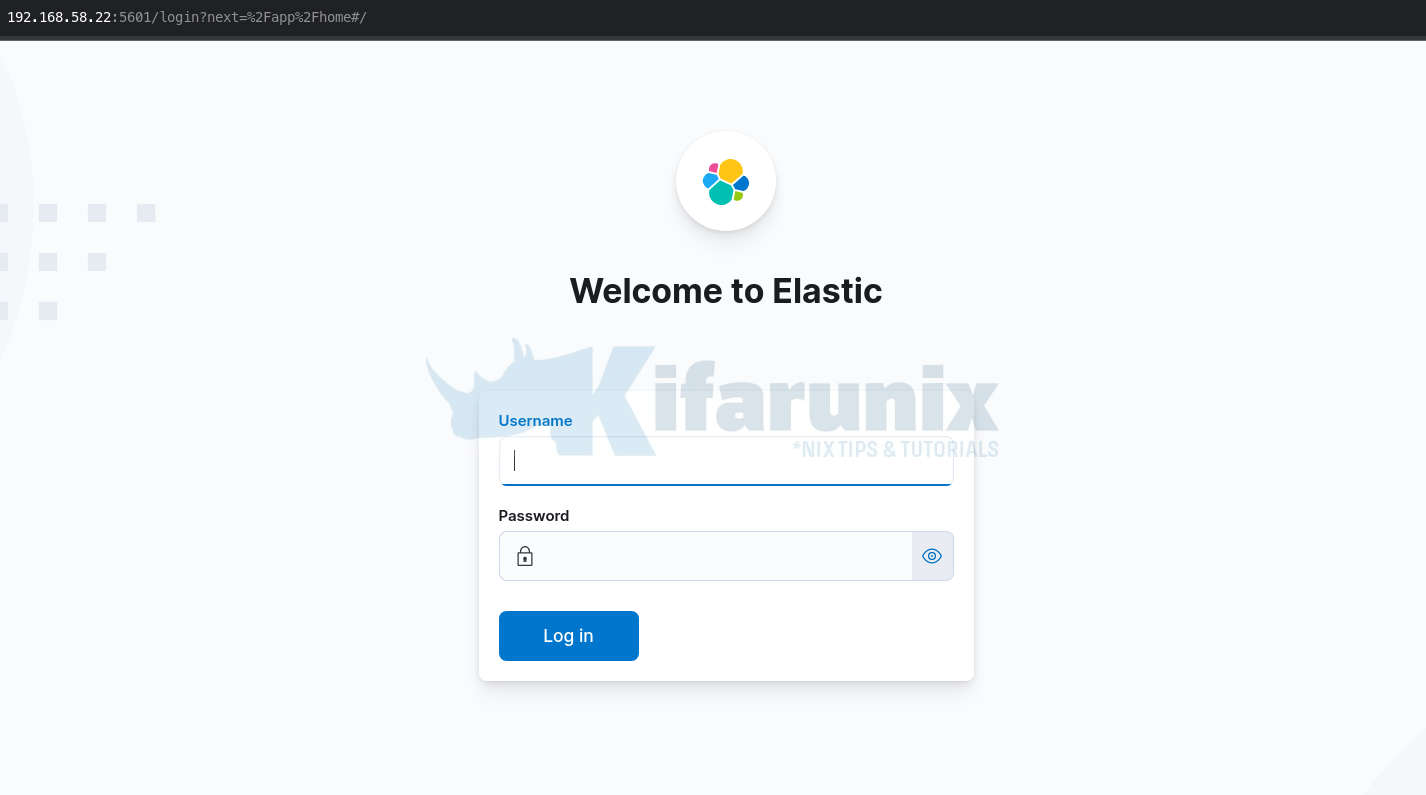
kibana login page

How to Enable Basic Authentication on ELK Stack

In this tutorial, you will learn how to enable basic authentication on ELK stack. Elastic/ELK stack supports user authentication. This enables it to restrict access

Latest Posts

Integrate Request Tracker (RT) with Active Directory for Authentication

How to Enable Self-Service Password Reset in Request Tracker (RT)

Configure Request Tracker to Send Mails using MSMTP via Gmail Relay

How to Enable HTTPS for Request Tracker on Linux

Install Request Tracker on AlmaLinux/Rocky Linux

Replace OpenShift Self-Signed Ingress and API SSL/TLS Certificates with Lets Encrypt

Containers

Integrate OpenShift with Active Directory for Authentication

Quickly Install MySQL 8 on Debian 12

Configuring Shared Filesystem for Kubernetes on Rook Ceph Storage

Setup Kubernetes Cluster on Ubuntu 22.04/20.04

Deploy HAProxy as a Docker Container

Understanding Kubernetes States: Declared vs Observed states Explained

Security

Step-by-Step Guide to Install and Setup OpenVPN Server on Debian 12

Easily Install FortiClient VPN on Oracle Linux

How to Install IBM QRadar Community Edition SIEM on VirtualBox

Install Kismet on Ubuntu 18.04

Install and Configure AIDE on Ubuntu 18.04

Install and Configure Libreswan VPN Client on Ubuntu/Debian

Monitoring

Install ELK Stack 8 on Debian 12

Import Assets to AlienVault USM/OSSIM using a CSV file

Integrate Osquery Manager with ELK Stack

Install OSSEC Agent on CentOS 8

Install Sensu Agent on Rocky Linux

Monitor Windows Systems using Elastic Osquery Manager

© 2026 kifarunix.com

Home Advertise with us Privacy Policy