Install LEMP Stack on Rocky Linux 8
This guide describes a step by step tutorial on how to install LEMP stack on Rocky Linux 8. LEMP stack is a group of opensource

This guide describes a step by step tutorial on how to install LEMP stack on Rocky Linux 8. LEMP stack is a group of opensource
This guide will demonstrate how to install MySQL 8 on Debian 9. Install MySQL 8 on Debian 9 To install MySQL 8 on Debian 9,

In this tutorial, you will learn how to configure Guacamole MySQL database authentication. Guacamole supports various authentication mechanisms including database authentication via MySQL, PostgreSQL, or
This guide presents a simple of how to install Redis on Ubuntu 18.04 LTS. So what is Redis? Redis is a free and open-source in-memory
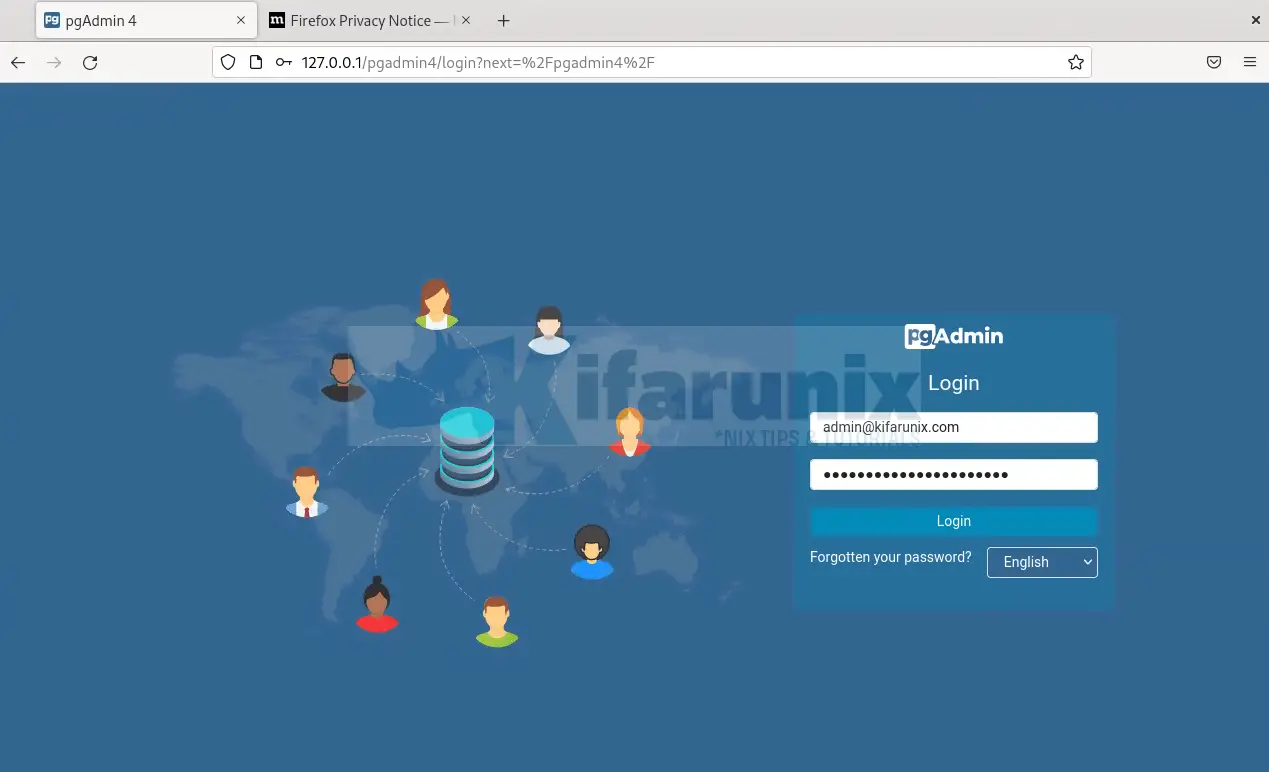
This tutorial will take you through how to install pgAdmin 4 on Debian 12. pgAdmin 4 is a popular graphical tool with an intuitive user

Follow through this tutorial to learn how to install MongoDB on Debian 10. According to mongodb.com, “MongoDB is a general purpose, document-based, distributed database built
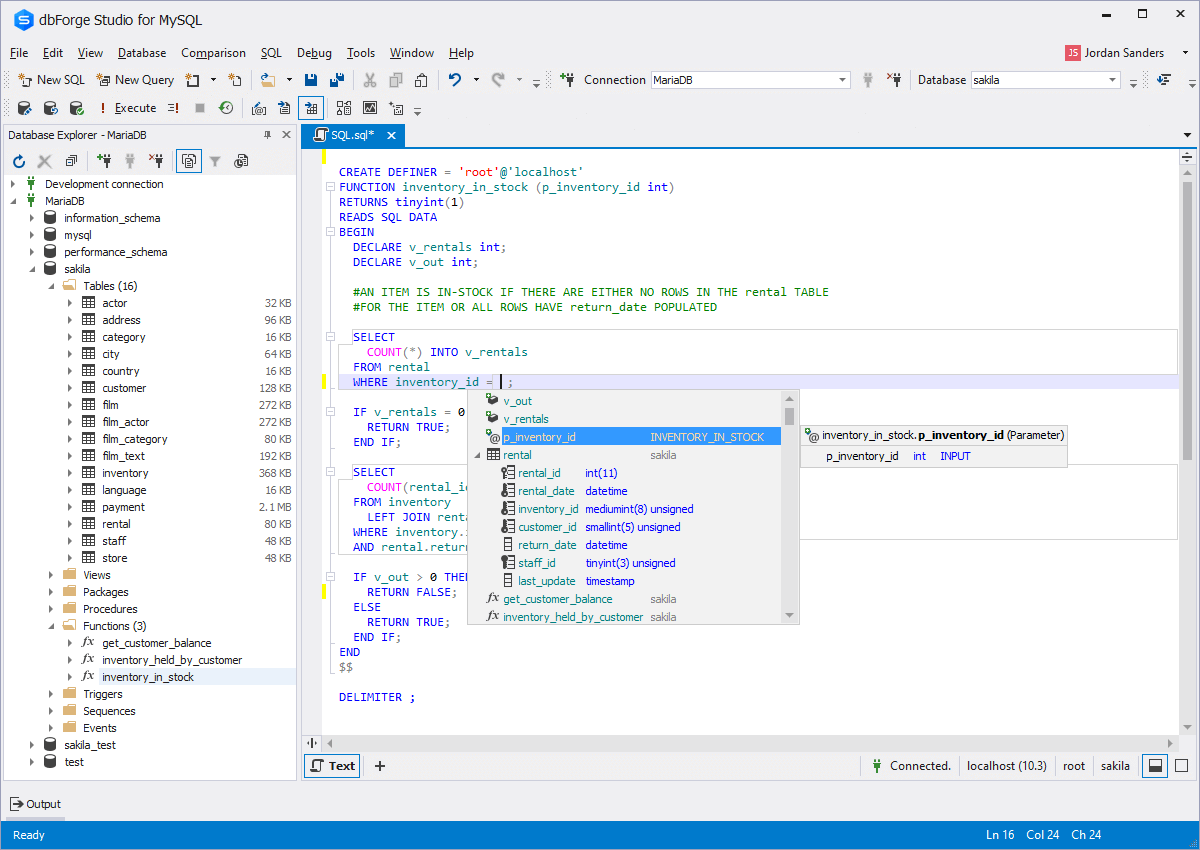
The extensive data ecosystem includes MySQL as one of its most popular technologies. It is a Relational Data Base Management System (RDBMS) developed by Oracle

Follow through this guide to learn how to install MariaDB 11 on Ubuntu 24.04. “MariaDB 11 is the new major release series of MariaDB. It ships
Welcome to our tutorial on how to install FAMB Stack on FreeBSD 12. FAMP Stack is an acronym for FreeBSD, the Operating System, Apache the

Follow through this tutorial to learn how to install MongoDB on Ubuntu 20.04. According to mongodb.com, “MongoDB is a general purpose, document-based, distributed database built