Skip to content
kifarunix.com
  • Home
  • Blog
    • HowTos
    • Containers
    • Security
    • Networking
    • Storage
    • Virtualization
    • Monitoring
  • About Us
  • Contact Us

gvm empty port lists

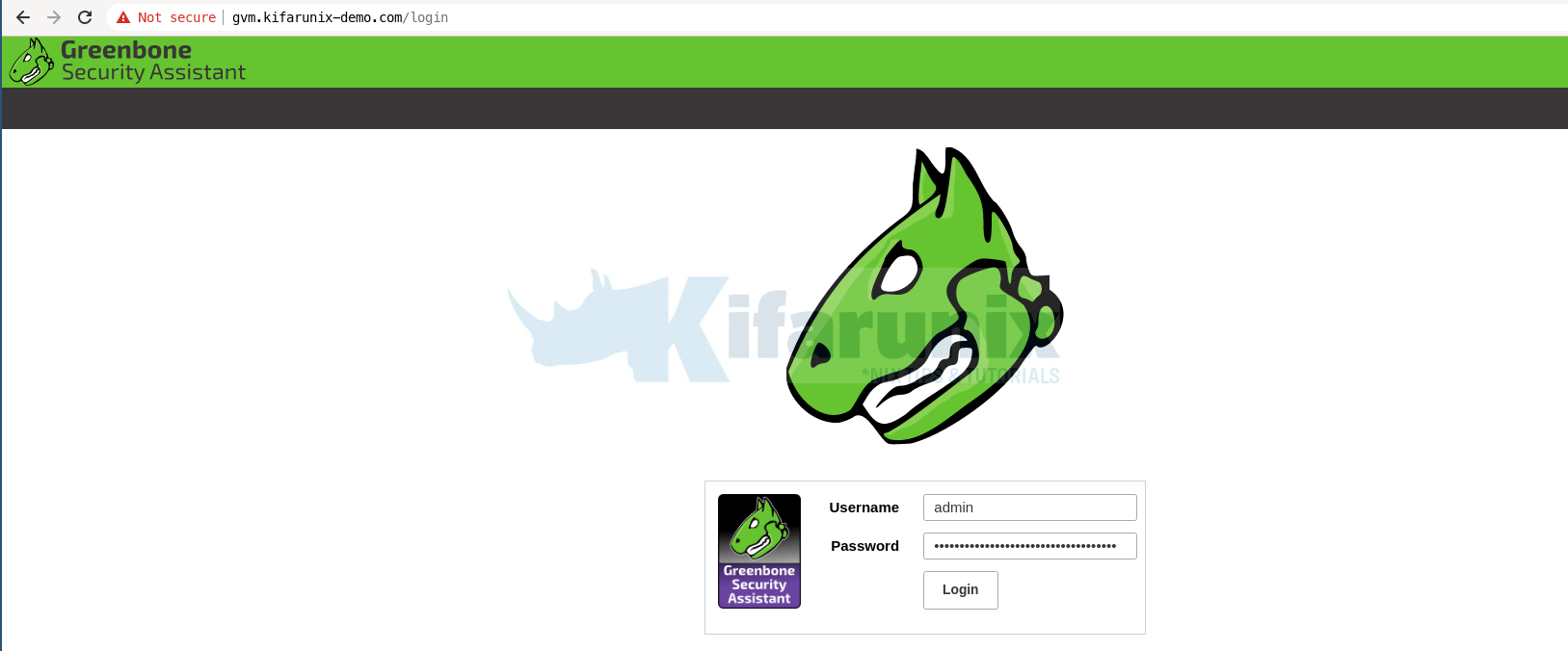
gvm login page

Install and Setup GVM 20.08 on Ubuntu 20.04

In this guide, you will learn how to install and setup GVM 20.08 on Ubuntu 20.04. Greenbone Vulnerability Management (GVM), previously known as OpenVAS, is a network

Latest Posts

How to Enable User Workload Monitoring in OpenShift 4.20: Let Developers Monitor Their Apps

How to Configure Production-Ready Monitoring in OpenShift: Prometheus, Alertmanager & Persistent Storage

Configure OpenShift 4 Image Registry Persistent Storage with ODF: 2026 Step-by-Step Guide

How to Install and Configure OpenShift Data Foundation (ODF) on OpenShift 4.20: Step-by-Step Guide [2026]

How to Deploy an OpenShift Cluster Using Agent-Based Installer (Bootable ISO, KVM & Bare Metal)

Integrate Request Tracker (RT) with Active Directory for Authentication

Containers

What are the core concepts in Kubernetes?

Install Portainer on Rocky Linux

Kubernetes Resource Optimization with Vertical Pod Autoscaler (VPA)

Install and Setup Kubernetes Cluster on RHEL 9

How to Install etcdctl on Kubernetes Cluster

Provision Block Storage for Kubernetes on Rook Ceph Cluster

Security

Securely SSH to Remote Host via Multiple Jump Hosts

8 Handy Ways You Can Use A VPN In Your Everyday Life

How to Perform System Security Auditing with Lynis on Ubuntu 18.04

Windows Server Security Essentials from Experienced System Administrators

Install and Configure Tripwire Security Monitoring tool on CentOS 8

How to Integrate TheHive with MISP

Monitoring

Install Nagios Plugins and NRPE agents on CentOS 7/RHEL 7/Fedora 29

Install Zabbix 4.x from Sources on Debian 10 Buster

Install Wazuh Server on Rocky Linux 8/Rocky Linux 9

Add Hosts to LibreNMS Server for Monitoring

Install Prometheus on Debian 10

Setup Multi-node Elasticsearch Cluster

© 2026 kifarunix.com

Home Advertise with us Privacy Policy