Install phpPgAdmin on Debian 12
In this guide, you will learn how to install phpPgAdmin on Debian 12. phpPgAdmin is a web-based administration tool for PostgreSQL. Installing phpPgAdmin on Debian

In this guide, you will learn how to install phpPgAdmin on Debian 12. phpPgAdmin is a web-based administration tool for PostgreSQL. Installing phpPgAdmin on Debian
In this tutorial, you will learn how to install Couchbase Server on Debian 11/Debian 10. According to the documentation, Couchbase Server is an open source,
In this guide, we are going to learn how to install phpMyAdmin on Ubuntu 20.04. phpMyAdmin is a free and opensource application written in PHP
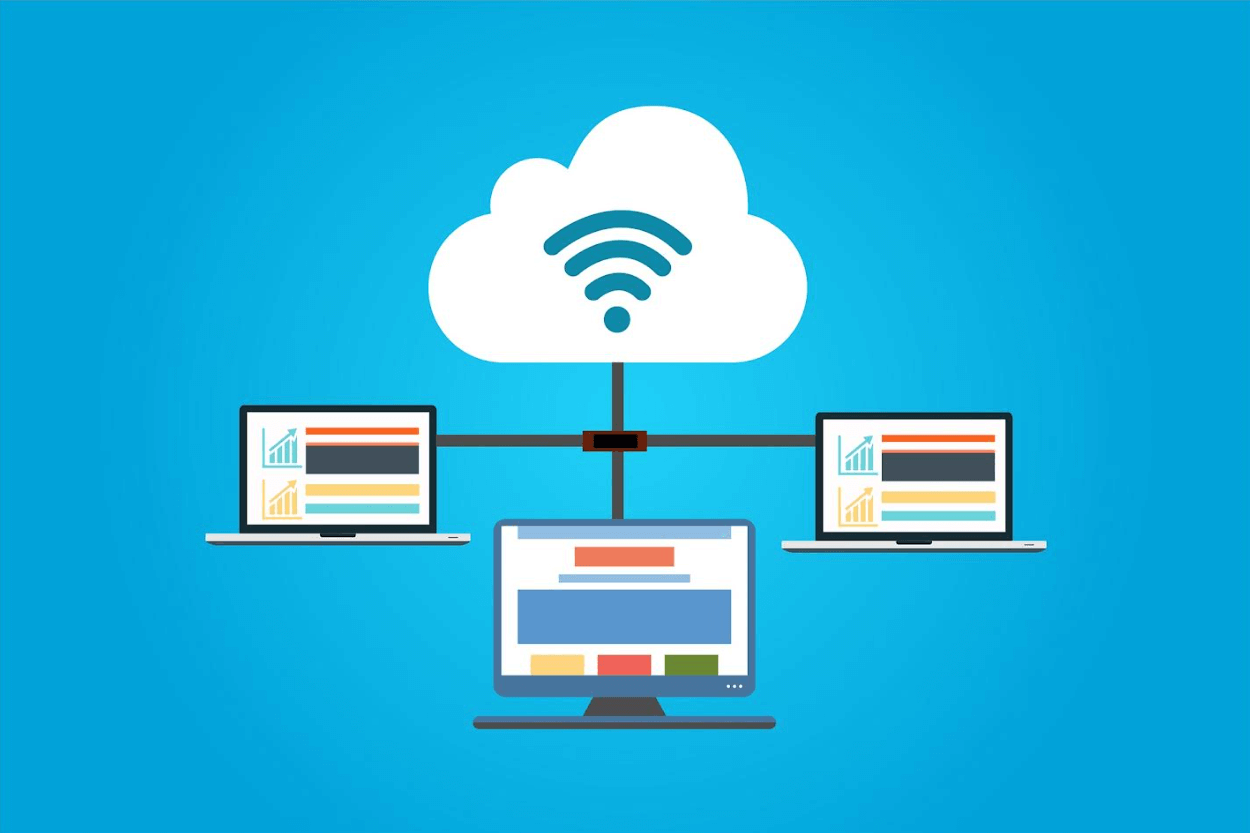
If you’ve ever wondered how websites are made, there are a few important things you should know about website hosting. Just like when you rent

Follow through this guide to learn how to install MariaDB 10.8 on Ubuntu 20.04. MariaDB 10.8.2 is the current RC release version of MariaDB. Install
Follow through this guide to learn how to install MariaDB 10.5 on Debian 10 Buster. “MariaDB 10.5 is the current stable series of MariaDB. It is an evolution
In this tutorial, we are going to learn how to install MySQL 8 on FreeBSD 12. MySQL 8 can be installed on FreeBSD 12 using
Follow through this guide to learn how to install latest phpMyAdmin on CentOS 8. In our previous guide, we learnt how to install WordPress 5

Follow through this guide to learn how to install LAMP Stack on Debian 11. If you are looking at building some web application, LAMP stack
This guide provides a step-by-step tutorial on how to install MongoDB on Rocky Linux 8. MongoDB is a cross-platform document-oriented and a NoSQL database program.