
The Best Nursing Resume Guide for 2022
Are you looking for tips to make your nursing resume stand out? Wondering how you can convince the recruiter that you are the right candidate?

 gen_too
Are you looking for tips to make your nursing resume stand out? Wondering how you can convince the recruiter that you are the right candidate?

In this tutorial, you will learn how to install NetBeans IDE on Ubuntu 22.04. NetBeans IDE is a free and open source extensible Java IDE (Integrated Development Environment)

In this guide, you will learn how to install GVM 21.04 on Debian 11/Debian 10. Greenbone Vulnerability Management (GVM), previously known as OpenVAS, is a network security scanner which
In this tutorial, you will learn how to process and visualize ModSecurity Logs on ELK Stack. ModSecurity is an open source, cross-platform web application firewall

Follow through this guide to learn how to install PostgreSQL 13 on Debian 11. PostgreSQL is a fully featured object-relational database management system. It supports
In this guide, you will learn how to install Wazuh agent on pfSense. pfSense is the world’s most trusted opensource firewall which also doubles up

In this demo, we are going to learn how to install DokuWiki on Rocky Linux server. DokuWiki is an opensource software written in PHP that allows users

Follow through this tutorial to learn how to install MongoDB on Ubuntu 20.04. According to mongodb.com, “MongoDB is a general purpose, document-based, distributed database built
In this tutorial, you will learn how to install and setup Passbolt password manager on Ubuntu 20.04. Passbolt is is a free, open source, self-hosted,
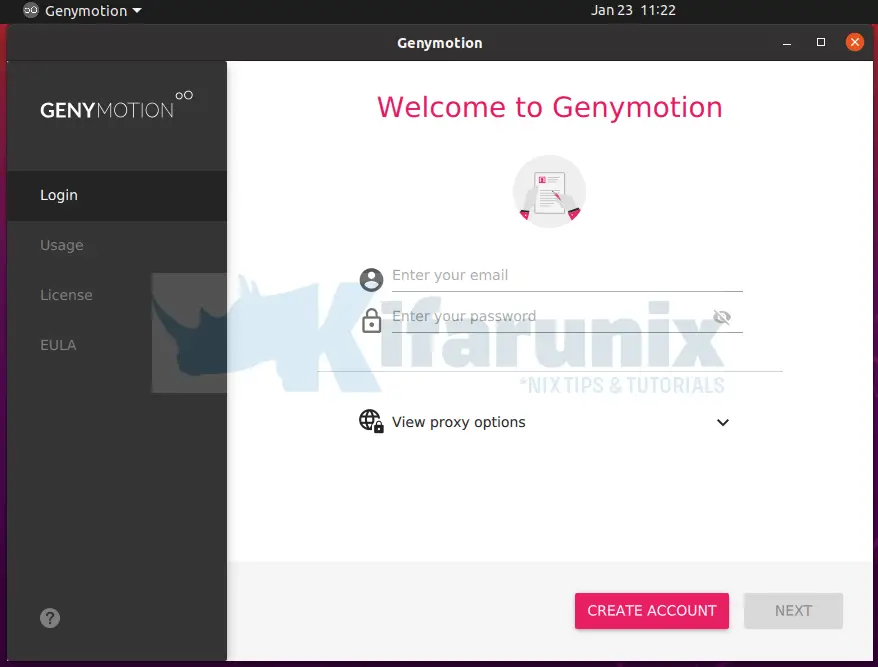
Follow through this guide to learn how to install Genymotion Android emulator on Ubuntu 20.04. Genymotion, is an android emulator that provides a virtual Android