Skip to content
kifarunix.com
  • Home
  • Blog
    • HowTos
    • Containers
    • Security
    • Networking
    • Storage
    • Virtualization
    • Monitoring
  • About Us
  • Contact Us

/usr/share/plymouth/themes

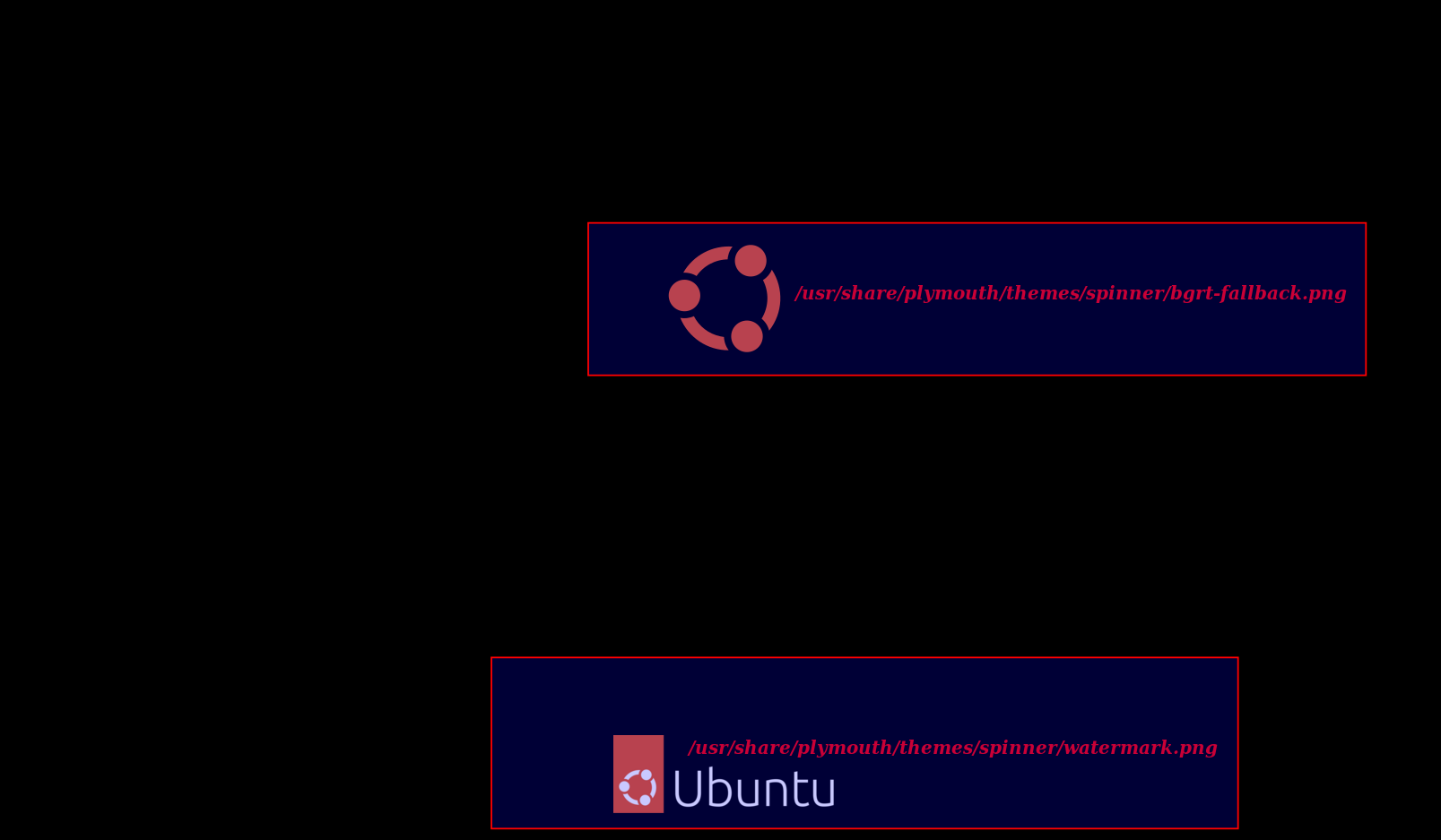
Change Ubuntu 22.04 Boot and Login Screen Logo

Change Ubuntu 22.04 Boot and Login Screen Logo

Follow through this tutorial to learn how to change Ubuntu 22.04 boot and login screen logo. One of the customization you can do to your

Latest Posts

How to Enable User Workload Monitoring in OpenShift 4.20: Let Developers Monitor Their Apps

How to Configure Production-Ready Monitoring in OpenShift: Prometheus, Alertmanager & Persistent Storage

Configure OpenShift 4 Image Registry Persistent Storage with ODF: 2026 Step-by-Step Guide

How to Install and Configure OpenShift Data Foundation (ODF) on OpenShift 4.20: Step-by-Step Guide [2026]

How to Deploy an OpenShift Cluster Using Agent-Based Installer (Bootable ISO, KVM & Bare Metal)

Integrate Request Tracker (RT) with Active Directory for Authentication

Containers

Easy Way to Install Kubernetes Dashboard on Ubuntu 22.04/20.04

How to Install and Configure OpenShift Data Foundation (ODF) on OpenShift 4.20: Step-by-Step Guide [2026]

Install and Run MariaDB as a Docker Container

Monitor Docker Containers Metrics using Grafana

Install OpenStack on Ubuntu 24.04 using Kolla Ansible

How to Install Docker Desktop on Kali Linux

Security

Install Cortex on Ubuntu 22.04/Ubuntu 20.04

Install and Configure Tripwire Security Monitoring tool on CentOS 8

How to fix WordPress could not establish a secure connection to WordPress.org

Enroll Windows Systems into Osquery Fleet Manager

Top 15 Emerging Technology in Cybersecurity

Install ClamAV on Debian 11

Monitoring

Monitor Docker Swarm and Container metrics using Metricbeat

Add Hosts to Zabbix Server for Monitoring

Install and Configure Filebeat on CentOS 8

Install Zabbix Agent on FreeBSD 12

Install Nagios Server on CentOS 8

Install Nagios Plugins on Rocky Linux 8

© 2026 kifarunix.com

Home Advertise with us Privacy Policy