Skip to content
kifarunix.com
  • Home
  • Blog
    • HowTos
    • Containers
    • Security
    • Networking
    • Storage
    • Virtualization
    • Monitoring
  • About Us
  • Contact Us

use guacamole docker with mysql docker container

Install Apache Guacamole as Docker Container on Ubuntu

Install Apache Guacamole as Docker Container on Ubuntu

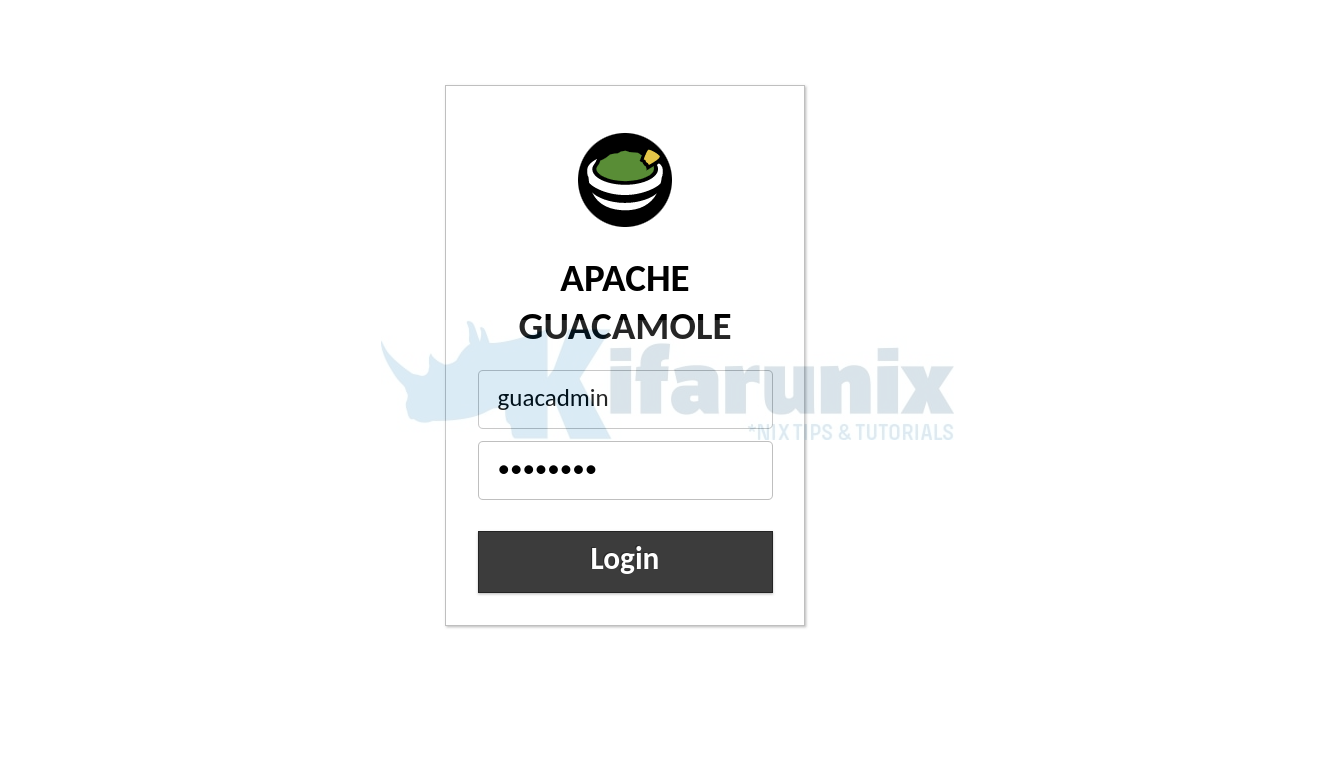
In this guide, we are going to learn how to install Apache Guacamole as Docker container on Ubuntu. We are using Ubuntu 22.04. Apache Guacamole is

Latest Posts

Integrate Request Tracker (RT) with Active Directory for Authentication

How to Enable Self-Service Password Reset in Request Tracker (RT)

Configure Request Tracker to Send Mails using MSMTP via Gmail Relay

How to Enable HTTPS for Request Tracker on Linux

Install Request Tracker on AlmaLinux/Rocky Linux

Replace OpenShift Self-Signed Ingress and API SSL/TLS Certificates with Lets Encrypt

Containers

Kubernetes User Management: Creating Users, Groups and Service Accounts

Install Fedora CoreOS on KVM Using an ISO File: A Step-by-Step Guide

Working Guide: Deploy AWX on Kubernetes Cluster with AWX Operator

Configuring Shared Filesystem for Kubernetes on Rook Ceph Storage

How to Deploy WordPress as a Docker Container

Mastering Kubernetes Autoscaling: Horizontal vs Vertical Scaling

Security

How to Install Wazuh SIEM Server on RHEL 9/RHEL 10

How to Install RKHunter (RootKit Hunter) On Ubuntu 18.04

How to Install Osquery on Ubuntu 18.04

Encrypt Emails using Enigmail on Thunderbird

How to Monitor OpenVPN Connections using openvpn-monitor tool

WordPress: Fix Updating failed. The response is not a valid JSON response

Monitoring

Configure NXLog to Forward System Logs to Rsyslog Server on Ubuntu

Monitor Docker Swarm and Container metrics using Metricbeat

Generate Wildcard SSL Certificates for Elasticsearch

How to Install Wazuh SIEM Server on RHEL 9/RHEL 10

Easily Install and Setup Cacti on Ubuntu 20.04

Configure Kibana Dashboards/Visualizations to use Custom Index

© 2025 kifarunix.com

Home Advertise with us Privacy Policy