How to use htop Command in Linux

How to use htop Command in Linux

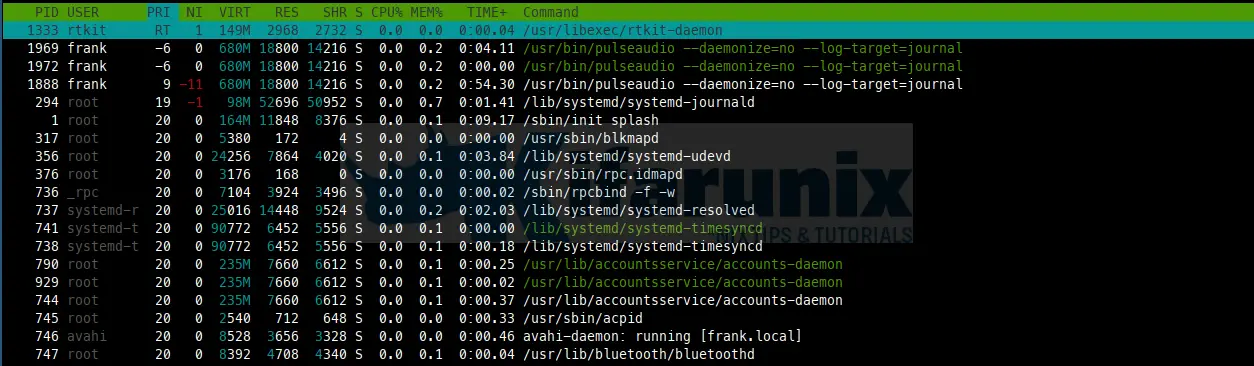
In this tutorial, you will learn how to use htop command in Linux. An interactive process viewer (htop) is a free GNU GPL process viewer

document.addEventListener("DOMContentLoaded", function() { document.querySelectorAll(".scroll-box").forEach(function(box) { box.style.position = "relative"; // Needed for absolute positioning of button var button = document.createElement("button"); button.className = "copy-icon-btn"; button.setAttribute("aria-label", "Copy code"); button.innerHTML = ''; box.appendChild(button); button.addEventListener("click", function() { var text = box.innerText; navigator.clipboard.writeText(text).then(function() { button.querySelector("svg").setAttribute("fill", "#4CAF50"); setTimeout(function() { button.querySelector("svg").setAttribute("fill", "white"); }, 1500); }).catch(function(err) { console.error("Copy failed: ", err); }); }); }); });