Skip to content
kifarunix.com
  • Home
  • Blog
    • HowTos
    • Containers
    • Security
    • Networking
    • Storage
    • Virtualization
    • Monitoring
  • About Us
  • Contact Us

recover opnsense root password

Install OPNsense on VirtualBox

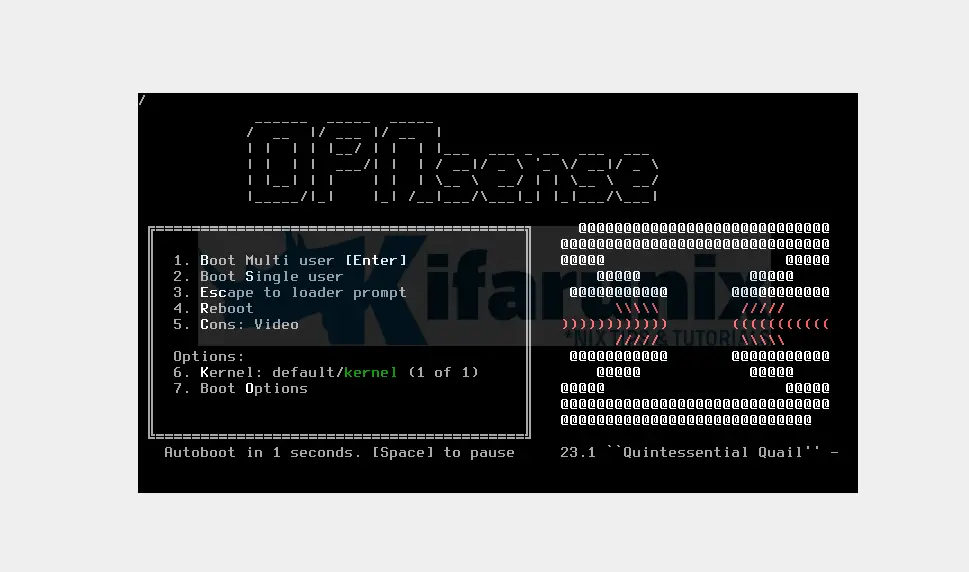
How To Reset Or Recover Root Password On OPNsense

How To Reset Or Recover Root Password On OPNsense? So for some reason you just forgot the root password for your OPNsense router/firewall and you

Latest Posts

Configure OpenShift 4 Image Registry Persistent Storage with ODF: 2026 Step-by-Step Guide

How to Install and Configure OpenShift Data Foundation (ODF) on OpenShift 4.20: Step-by-Step Guide [2026]

How to Deploy an OpenShift Cluster Using Agent-Based Installer (Bootable ISO, KVM & Bare Metal)

Integrate Request Tracker (RT) with Active Directory for Authentication

How to Enable Self-Service Password Reset in Request Tracker (RT)

Configure Request Tracker to Send Mails using MSMTP via Gmail Relay

Containers

How to Use Secrets in Kubernetes Applications

Why Docker Hardened Images Are a Game-Changer for Software Supply Chain Security

Step-by-Step Guide: How to Install Helm on Kubernetes Cluster

Install and Run MariaDB as a Docker Container

How to Deploy Apps on OpenShift Using BuildConfig: A Step-by-Step Guide (2025)

Understanding Deployments in Kubernetes: A Comprehensive Guide

Security

How to Install and Use VeraCrypt to Encrypt Drives on Ubuntu

Install and Configure Wazuh Manager on Ubuntu 22.04

Install and Configure Libreswan VPN Client on Ubuntu/Debian

Install Wireshark on Ubuntu 22.04

Why Cybersecurity Investments Are Non-Negotiable for Modern Businesses

Install Wazuh Agent on pfSense

Monitoring

Install and Setup Velociraptor on Ubuntu 20.04

Install Nagios Plugins From Source RHEL/CentOS/Oracle Linux

Setup Multi-node Elasticsearch Cluster

How to Copy Kibana Dashboard to Another Kibana Space

Monitor Docker Swarm Service Metrics using Grafana

Delete Specific Records from Elasticsearch Index

© 2026 kifarunix.com

Home Advertise with us Privacy Policy