
Install Filebeat on Fedora 30/Fedora 29/CentOS 7
In this guide, we are going to learn how to install Filebeat on Fedora 30/Fedora 29/CentOS 7. Filebeat is a lightweight shipper for collecting, forwarding

In this guide, we are going to learn how to install Filebeat on Fedora 30/Fedora 29/CentOS 7. Filebeat is a lightweight shipper for collecting, forwarding

Learn how to install Zabbix Agent on FreeBSD 12 for Zabbix monitoring. Install and configure Zabbix server on Debian 10 Buster. Install Zabbix 4.x from
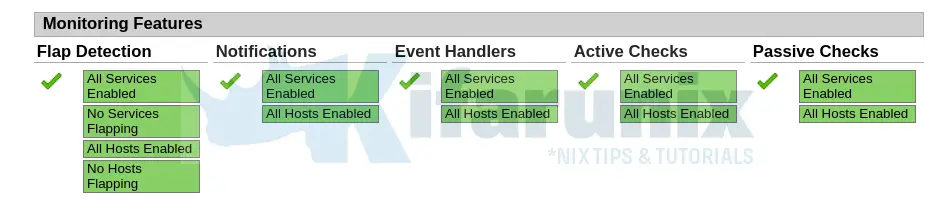
In this guide, we are going to learn how to install Nagios Core on FreeBSD 13. Nagios is an opensource tool that provides an enterprise-class central monitoring

In this tutorial, we are going to learn how to install Nagios NRPE Agent on RHEL/CentOS/Oracle Linux. Nagios Remote Plugin Executor (NRPE) is used to
Follow through this tutorial to learn how to install LibreNMS on Rocky Linux. LibreNMS is a fully featured MySQL/PHP and SNMP based network monitoring system.

In this guide, you will learn how to install Prometheus on Ubuntu 24.04. Prometheus is an open-source systems and service monitoring system. It collects metrics from configured

This guide will take you through how to install Sensu agent on Rocky Linux systems. In order to start collecting remote system metrics for monitoring
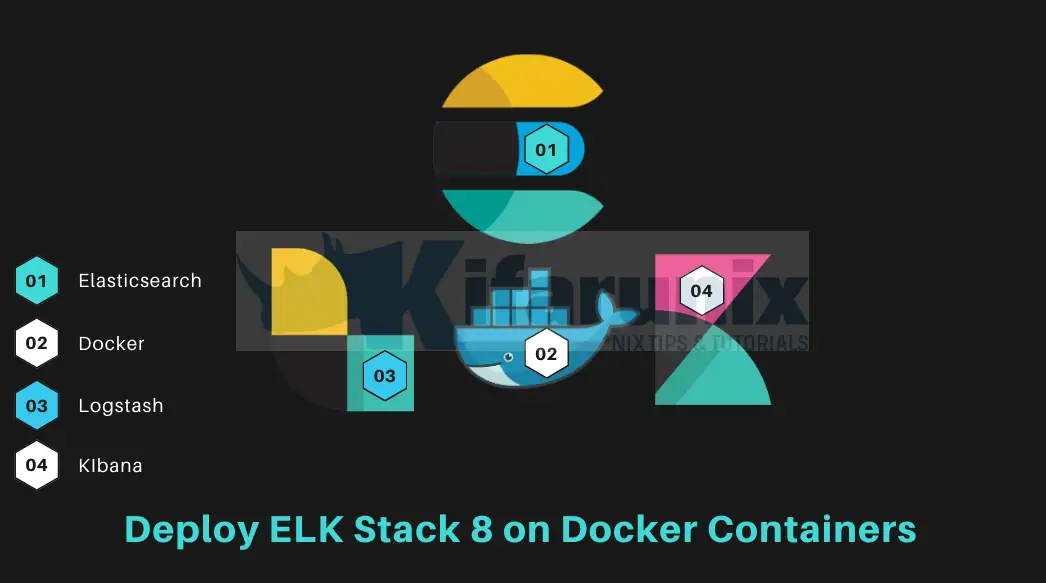
Follow through this guide to learn how to deploy ELK Stack 8 cluster on Docker containers. Deploying a multinode ELK Stack 8 cluster on Docker
Follow through this guide to learn how to install Filebeat on FreeBSD. Installing Filebeat on FreeBSD Filebeat is not available on the default FreeBSD repositories
Follow through this tutorial to learn how to install LibreNMS on Debian 11/Debian 10. LibreNMS is a fully featured MySQL/PHP and SNMP based network monitoring