Skip to content
kifarunix.com
  • Home
  • Blog
    • HowTos
    • Containers
    • Security
    • Networking
    • Storage
    • Virtualization
    • Monitoring
  • About Us
  • Contact Us

winlogbeat

Send Windows logs to Elastic Stack using Winlogbeat and Sysmon

Send Windows logs to Elastic Stack using Winlogbeat and Sysmon

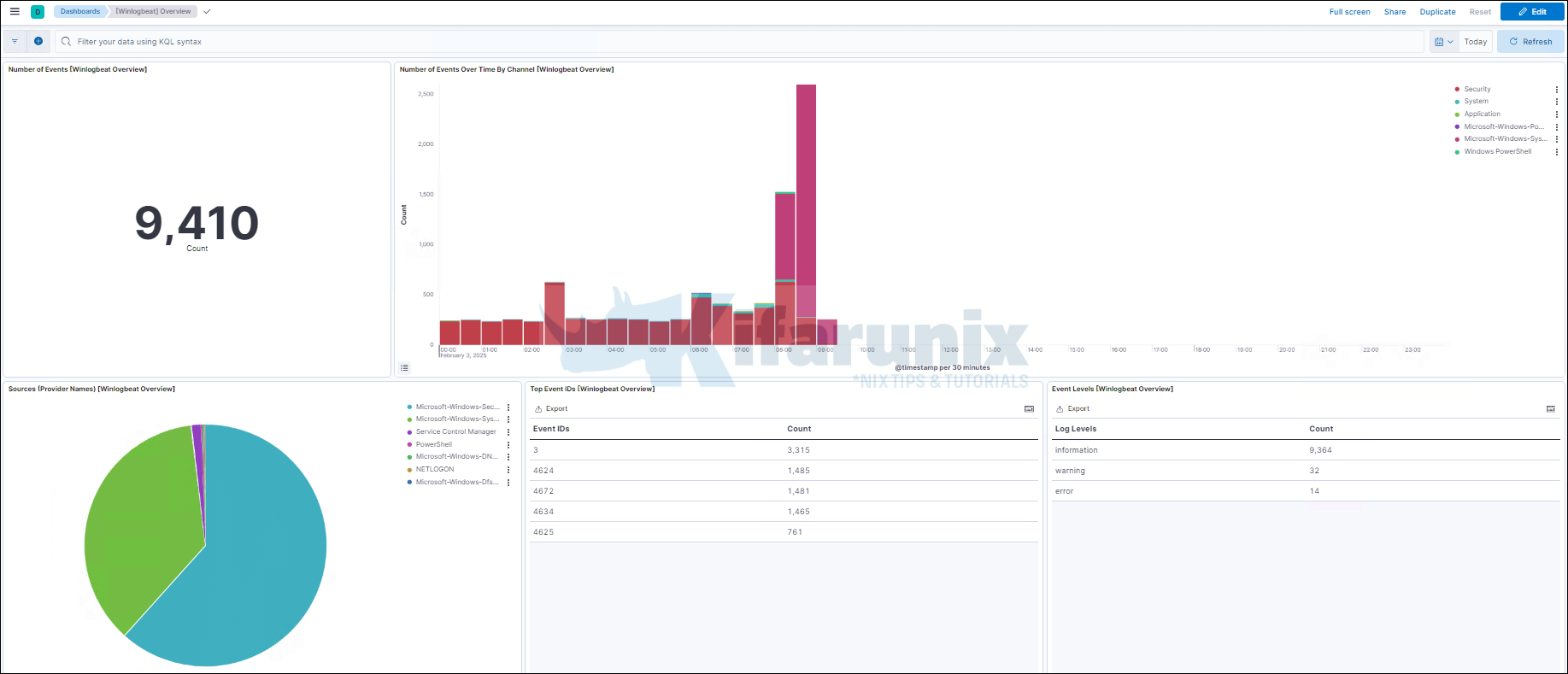
In this guide, we are going to learn how to send Windows logs to Elastic Stack using Winlogbeat and Sysmon. Winlogbeat is an Elastic Beat

Latest Posts

Configure OpenShift 4 Image Registry Persistent Storage with ODF: 2026 Step-by-Step Guide

How to Install and Configure OpenShift Data Foundation (ODF) on OpenShift 4.20: Step-by-Step Guide [2026]

How to Deploy an OpenShift Cluster Using Agent-Based Installer (Bootable ISO, KVM & Bare Metal)

Integrate Request Tracker (RT) with Active Directory for Authentication

How to Enable Self-Service Password Reset in Request Tracker (RT)

Configure Request Tracker to Send Mails using MSMTP via Gmail Relay

Containers

Introduction to Kubernetes: What is it and why do you need it?

Extend OpenShift CoreOS /sysroot Root Filesystem

Deploy All-in-One OpenStack with Kolla-Ansible on Ubuntu 22.04

Install OpenStack on Ubuntu 24.04 using Kolla Ansible

Install Kubernetes Metrics Server on a Kubernetes Cluster

Understanding Kubernetes States: Declared vs Observed states Explained

Security

Install ModSecurity with Apache on Debian 12

WordPress: Fix Updating failed. The response is not a valid JSON response

Windows Server Security Essentials from Experienced System Administrators

Install Malcolm Network Traffic Analysis Tool on Ubuntu 22.04

Assign Static IP Addresses for OpenVPN Clients

Configure Ubuntu 20.04 as Linux Router

Monitoring

Install Logstash 7 on Fedora 30/Fedora 29/CentOS 7

Install and Setup TIG Stack on Fedora 30

Configure Prometheus Email Alerting with AlertManager

Logstash: Write Specific Events to Specific Index

Setup Multinode Elasticsearch 8.x Cluster

Install and Configure Prometheus on Fedora 29/Fedora 28

© 2026 kifarunix.com

Home Advertise with us Privacy Policy