Skip to content
kifarunix.com
  • Home
  • Blog
    • HowTos
    • Containers
    • Security
    • Networking
    • Storage
    • Virtualization
    • Monitoring
  • About Us
  • Contact Us

openvpn ldap plugins

openvpn ldap auth

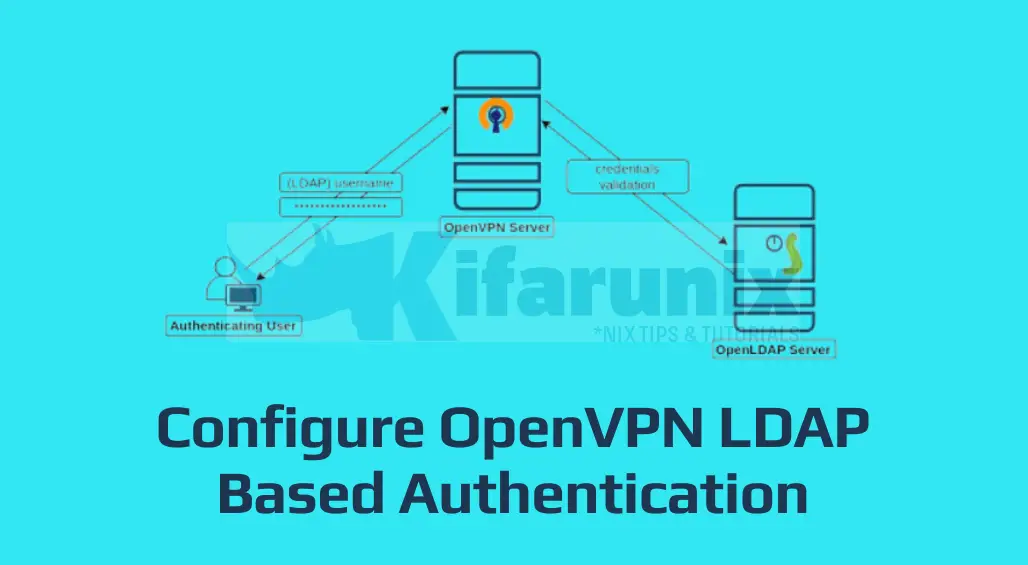
Configure OpenVPN LDAP Based Authentication

In this guide, we are going to learn how to configure OpenVPN LDAP Based Authentication. Identification and authentication of users is usually the first step

Latest Posts

How to Configure Production-Ready Monitoring in OpenShift: Prometheus, Alertmanager & Persistent Storage

Configure OpenShift 4 Image Registry Persistent Storage with ODF: 2026 Step-by-Step Guide

How to Install and Configure OpenShift Data Foundation (ODF) on OpenShift 4.20: Step-by-Step Guide [2026]

How to Deploy an OpenShift Cluster Using Agent-Based Installer (Bootable ISO, KVM & Bare Metal)

Integrate Request Tracker (RT) with Active Directory for Authentication

How to Enable Self-Service Password Reset in Request Tracker (RT)

Containers

Kubernetes Ingress Explained: How to Manage External Access to Your Services

How to Check Docker Container RAM and CPU Usage

Deploy ELK Stack 8 Cluster on Docker Containers

Step-by-Step: Provisioning Kubernetes Persistent Volumes with CephFS CSI Driver

Kubernetes Architecture: A High-level Overview of Kubernetes Cluster Components

OpenShift Builds and BuildConfig Essentials: A Comprehensive Guide

Security

How to Disable Weak SSH Algorithms on RHEL 8/9/10 (SHA-1 HMACs, SHA-1 Kex, CBC, 3DES)

VPNs are your Must Have Privacy Tool

Setup OpenVPN Server on Rocky Linux 8

Install and Setup OpenVPN Server on Ubuntu 20.04

How to Monitor OpenVPN Connections using openvpn-monitor tool

Install and Configure Snort 3 on Ubuntu 22.04

Monitoring

Install and Setup TIG Stack on Fedora 30

Install Sensu Agent on Ubuntu/Debian

Install Elastic Stack 7 on Ubuntu 18.04/Debian 9.8

How to Monitor Disk Input/Output on Linux

Install Icinga 2 and Icinga Web 2 on Ubuntu 20.04

Install ELK Stack on Debian 11

© 2026 kifarunix.com

Home Advertise with us Privacy Policy