Skip to content
kifarunix.com
  • Home
  • Blog
    • HowTos
    • Containers
    • Security
    • Networking
    • Storage
    • Virtualization
    • Monitoring
  • About Us
  • Contact Us

Elastic Stack

Setup Multi-node Elasticsearch Cluster

Setup Multi-node Elasticsearch Cluster

In this guide, we are going to learn how to setup multi-node Elasticsearch cluster. This guide has been tested on Fedora 30/Fedora 29/CentOS 7. So

Install Logstash 9 on Ubuntu/Debian

Install Logstash 9 on Ubuntu/Debian

This guide is about how to install Logstash 9 on Ubuntu/Debian as a continuation of our guide on how to setup Elastic Stack 9. We

auditbeat 1

Detect Changes to Critical Files in Linux using Auditbeat and ELK

In this tutorial, you will learn how to detect changes to critical files in Linux using Auditbeat and ELK. Auditbeat is one of the elastic

Generate Wildcard SSL Certificates for Elasticsearch

Generate Wildcard SSL Certificates for Elasticsearch

Is there an easy way to generate wildcard SSL certificates for Elasticsearch? Yes, definitely. The current Elasticsearch releases, Elasticsearch 8.x, when installed, the HTTP and

logstash elasticsearch authentication

Configure Logstash Elasticsearch Basic Authentication

This tutorial will show you how you can easily configure Logstash Elasticsearch Basic authentication. If you have secured your Elasticsearch cluster with authentication/authorization, then for

export Kibana search results to CSV/Excel file

Easily Export Kibana Search Results to CSV/Excel file

How can i easily export Kibana search results to CSV/Excel file? Well, that is an easy thing to do! Follow through this guide to learn

Install Logstash 7 on Fedora 30/Fedora 29/CentOS 7

Install Logstash 7 on Fedora 30/Fedora 29/CentOS 7

This guide will focus on how to install Logstash 7 on Fedora 30/Fedora 29/CentOS 7 as a continuation of our guide on how to setup

Backup and Restore Elasticsearch Index Data

Backup and Restore Elasticsearch Index Data

In this blog post, you will learn how to backup and restore Elasticsearch Index data. Well, there are various reasons for taking data backups. One

How to Upgrade ELK Stack 7.x to ELK Stack 8.x

How to Upgrade ELK Stack 7.x to ELK Stack 8.x

How to upgrade Elasticsearch 7 to 8? In this guide, you will learn how to upgrade ELK Stack 7.x to ELK Stack 8.x. ELK/Elastic 8

osquery manager

Integrate Osquery Manager with ELK Stack

This guide will take you through how to integrate Osquery manager with ELK Stack. According to their Github page, osquery is a SQL powered operating

Older posts
Newer posts
← Previous Page1 … Page4 Page5 Page6 Page7 Next →

Latest Posts

Integrate Request Tracker (RT) with Active Directory for Authentication

How to Enable Self-Service Password Reset in Request Tracker (RT)

Configure Request Tracker to Send Mails using MSMTP via Gmail Relay

How to Enable HTTPS for Request Tracker on Linux

Install Request Tracker on AlmaLinux/Rocky Linux

Replace OpenShift Self-Signed Ingress and API SSL/TLS Certificates with Lets Encrypt

Containers

Install Portainer on Ubuntu 22.04

Setup Highly Available Kubernetes Cluster with Haproxy and Keepalived

Automate OpenShift Deployments with GitLab CI/CD Pipelines

Deploy Ceph Storage Cluster in Kubernetes using Rook

Step-by-Step: Provisioning Kubernetes Persistent Volumes with CephFS CSI Driver

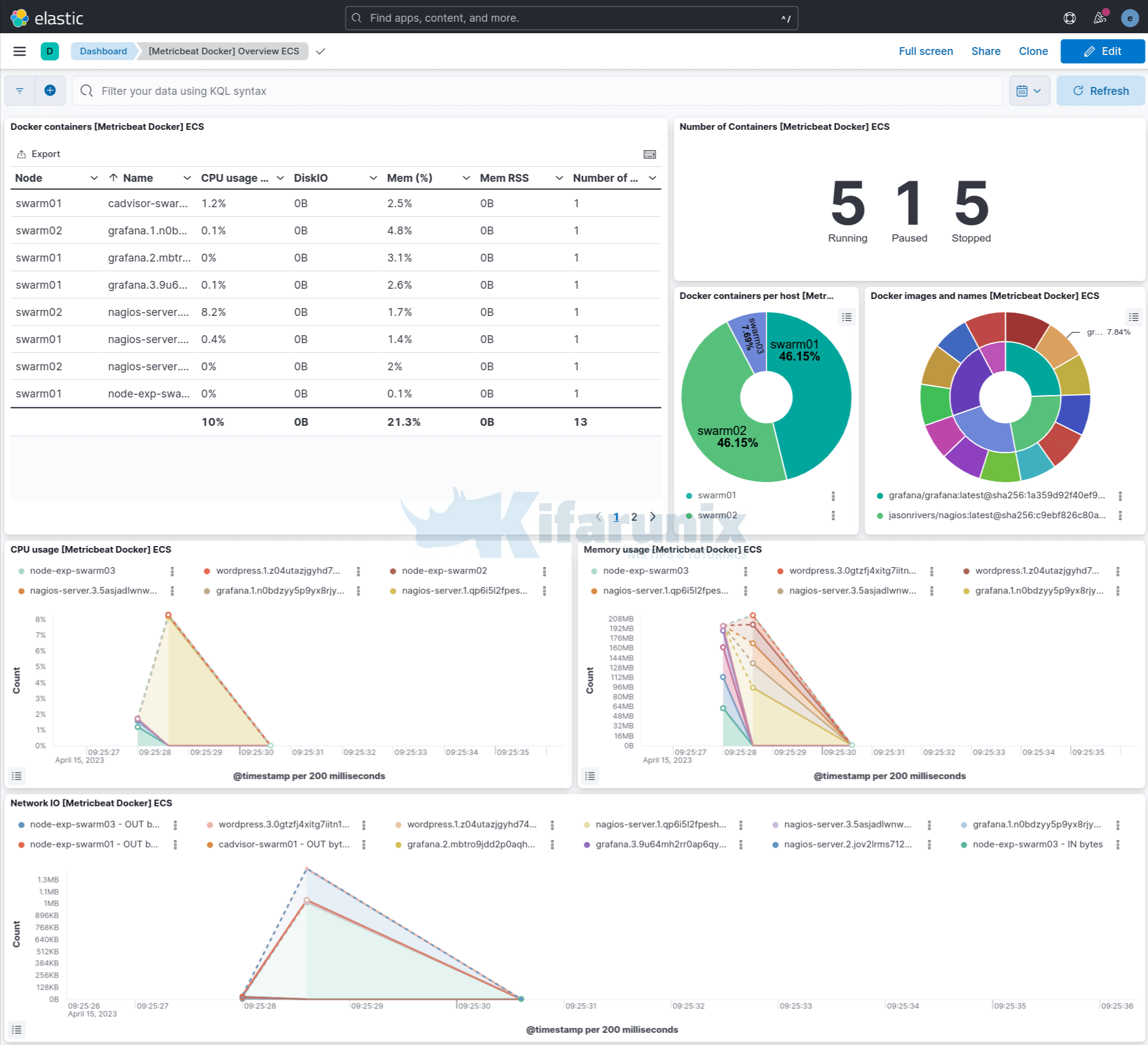
Monitor Docker Swarm and Container metrics using Metricbeat

Security

Configure Site-to-Site IPSec VPN on pfSense and Libreswan

Deploy WordPress using Docker Compose

Install Gophish on Ubuntu 18.04/Debian 9.8

Configure CentOS/Rocky/Oracle Linux as a Linux Router

Install and Setup Pritunl VPN Server on Debian

How to Enable Self-Service Password Reset in Request Tracker (RT)

Monitoring

Quick Way to Install and Configure SNMP on Ubuntu 20.04

How to Install Nagios Server on Ubuntu 24.04

Setup Kibana Elasticsearch and Fluentd on CentOS 8

How to Monitor Disk Input/Output on Linux

Quick Way to Enable Kibana HTTPS Connection

Install Zabbix Server from Source on Debian 11

© 2025 kifarunix.com

Home Advertise with us Privacy Policy