Skip to content
kifarunix.com
  • Home
  • Blog
    • HowTos
    • Containers
    • Security
    • Networking
    • Storage
    • Virtualization
    • Monitoring
  • About Us
  • Contact Us

deploy on openshift via gitlab cicd

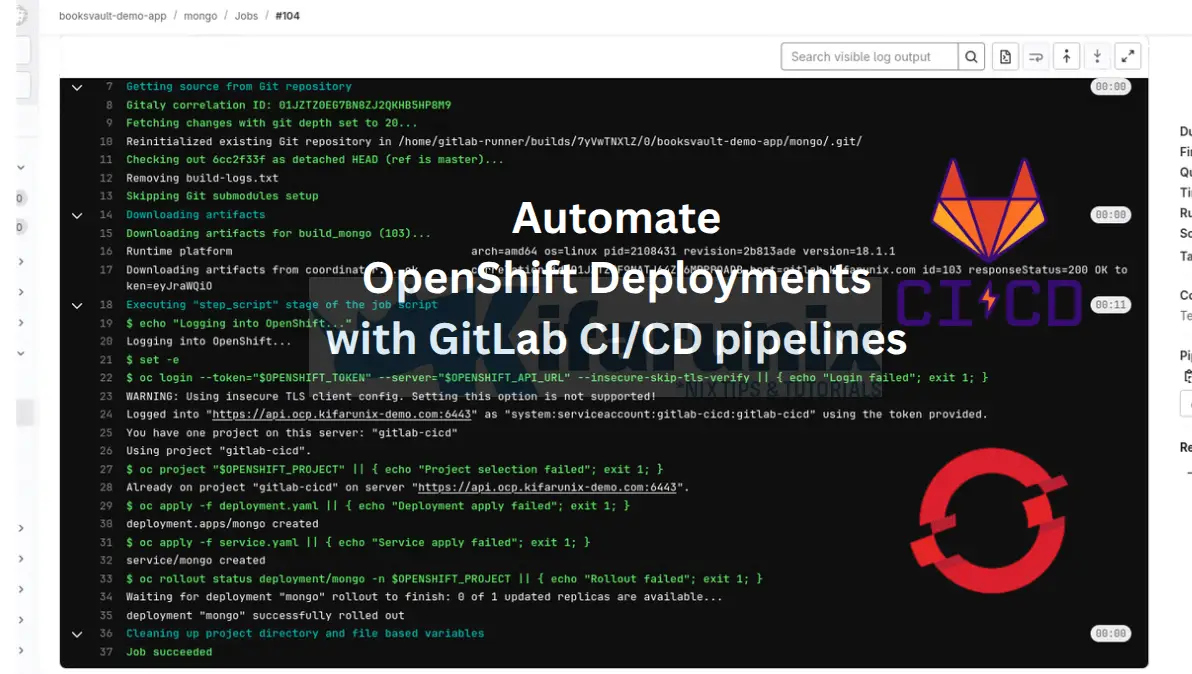
automate OpenShift Deployments with GitLab CI/CD pipelines

Automate OpenShift Deployments with GitLab CI/CD Pipelines

This tutorial will cover how to automate OpenShift Deployments with GitLab CI/CD pipelines. By integrating these tools, you’ll be able to streamline your deployment process,

Latest Posts

Integrate Request Tracker (RT) with Active Directory for Authentication

How to Enable Self-Service Password Reset in Request Tracker (RT)

Configure Request Tracker to Send Mails using MSMTP via Gmail Relay

How to Enable HTTPS for Request Tracker on Linux

Install Request Tracker on AlmaLinux/Rocky Linux

Replace OpenShift Self-Signed Ingress and API SSL/TLS Certificates with Lets Encrypt

Containers

Kubernetes Resource Optimization with Vertical Pod Autoscaler (VPA)

Install and Run MariaDB as a Docker Container

Kubernetes Ingress Explained: How to Manage External Access to Your Services

Step-by-Step: Provisioning Kubernetes Persistent Volumes with CephFS CSI Driver

Configuring Shared Filesystem for Kubernetes on Rook Ceph Storage

Install OpenStack on Ubuntu 24.04 using Kolla Ansible

Security

How to Install IBM QRadar Community Edition SIEM on VirtualBox

Install and Setup Squid Proxy on pfSense

Install Fleet Osquery Manager on Ubuntu 20.04/Ubuntu 22.04

Install pfSense Firewall on KVM

Configure Squid Proxy OpenLDAP Authentication on pfSense

Introduction to Role-Based Access Control (RBAC) in Kubernetes

Monitoring

How to Enable Basic Authentication on ELK Stack

Fix AlienVault HIDS Events Displaying 0.0.0.0 as IP Address

Install Elastic Stack 7 on Fedora 30/Fedora 29/CentOS 7

Install Grafana Plugins Behind a Proxy server

Install Nagios Plugins From Source RHEL/CentOS/Oracle Linux

Install ELK Stack 8.x on Ubuntu 24.04/Ubuntu 22.04

© 2025 kifarunix.com

Home Advertise with us Privacy Policy