install apache guacamole

Configure Guacamole MySQL Database Authentication

In this tutorial, you will learn how to configure Guacamole MySQL database authentication. Guacamole supports various authentication mechanisms including database authentication via MySQL, PostgreSQL, or

Install phpMyAdmin on Ubuntu 20.04

Install phpMyAdmin on Ubuntu 20.04

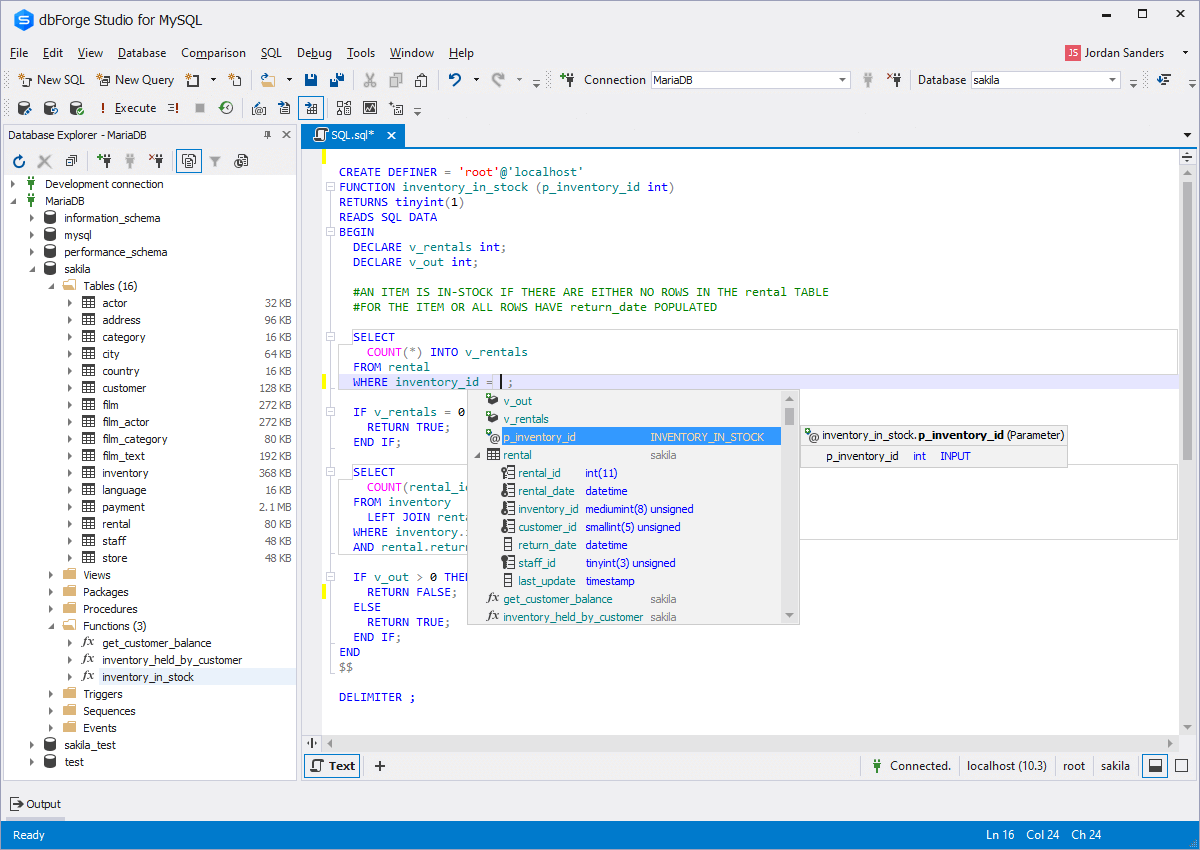
In this guide, we are going to learn how to install phpMyAdmin on Ubuntu 20.04. phpMyAdmin is a free and opensource application written in PHP

Install MariaDB 10.3 on CentOS 7

This guide will quickly take you through how to install MariaDB 10.3 on CentOS 7. The current stable release of MariaDB is v10.3.15. Se how

Install phpMyAdmin on Rocky Linux 8

Install phpMyAdmin on Rocky Linux 8

Follow through this tutorial to learn how to install phpMyAdmin on Rocky Linux 8. phpMyAdmin is a free and opensource application written in PHP that facilitates

How Does Website Hosting Work?

How Does Website Hosting Work?

If you’ve ever wondered how websites are made, there are a few important things you should know about website hosting. Just like when you rent

install mongodb

Easily Install MongoDB on Ubuntu 24.04

In this tutorial to learn how to easily install MongoDB on Ubuntu 24.04. According to MongoDB page, “MongoDB is a general purpose, document-based, distributed database

install phpPgAdmin on Debian 12

Install phpPgAdmin on Debian 12

In this guide, you will learn how to install phpPgAdmin on Debian 12. phpPgAdmin is a web-based administration tool for PostgreSQL. Installing phpPgAdmin on Debian

document.addEventListener("DOMContentLoaded", function() { document.querySelectorAll(".scroll-box").forEach(function(box) { box.style.position = "relative"; // Needed for absolute positioning of button var button = document.createElement("button"); button.className = "copy-icon-btn"; button.setAttribute("aria-label", "Copy code"); button.innerHTML = ''; box.appendChild(button); button.addEventListener("click", function() { var text = box.innerText; navigator.clipboard.writeText(text).then(function() { button.querySelector("svg").setAttribute("fill", "#4CAF50"); setTimeout(function() { button.querySelector("svg").setAttribute("fill", "white"); }, 1500); }).catch(function(err) { console.error("Copy failed: ", err); }); }); }); });