Skip to content
kifarunix.com
  • Home
  • Blog
    • HowTos
    • Containers
    • Security
    • Networking
    • Storage
    • Virtualization
    • Monitoring
  • About Us
  • Contact Us

OpenShift Data Foundation

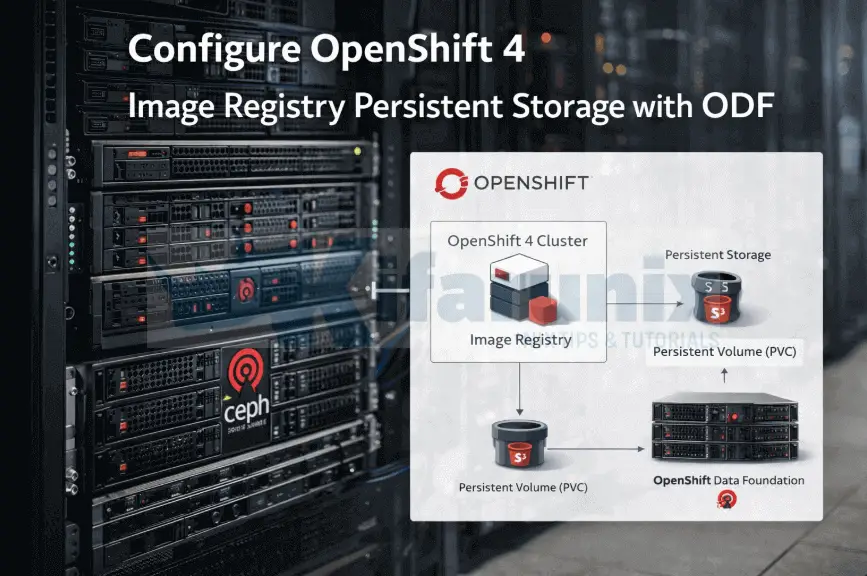
Configure OpenShift 4 Image Registry Persistent Storage with ODF

Configure OpenShift 4 Image Registry Persistent Storage with ODF: 2026 Step-by-Step Guide

This guide walks you through how to configure OpenShift 4 image registry persistent storage with ODF. After deploying OpenShift 4 on bare metal or KVM-based

Latest Posts

Configure OpenShift 4 Image Registry Persistent Storage with ODF: 2026 Step-by-Step Guide

How to Install and Configure OpenShift Data Foundation (ODF) on OpenShift 4.20: Step-by-Step Guide [2026]

How to Deploy an OpenShift Cluster Using Agent-Based Installer (Bootable ISO, KVM & Bare Metal)

Integrate Request Tracker (RT) with Active Directory for Authentication

How to Enable Self-Service Password Reset in Request Tracker (RT)

Configure Request Tracker to Send Mails using MSMTP via Gmail Relay

Containers

How to Automate OpenShift Builds with Git Webhooks: Step-by-Step Guide

Deploy NRPE Agent as a Docker Container

How to Install and Configure OpenShift Data Foundation (ODF) on OpenShift 4.20: Step-by-Step Guide [2026]

Install Docker CE on Ubuntu 20.04

Kubernetes Kustomize 101: Introduction and Basics

Quickly Install MySQL 8 on Debian 12

Security

How to Recover Deleted Data on a Linux System

How to Protect From Identity Theft Online: A Detailed Guide for 2022

Install and Configure Snort 3 on Rocky Linux

Top 8 Security Skills To Prevent Cyber Threats

Install GVM 21.4 on Ubuntu 20.04

How to Setup a Local CA Server on Ubuntu

Monitoring

Install Zabbix Agent on Ubuntu 22.04/Debian 11

Install Zabbix Agent on Debian 10 Buster

How to Enable Basic Authentication on ELK Stack

Import Assets to AlienVault USM/OSSIM using a CSV file

Easy way to Configure Filebeat-Logstash SSL/TLS Connection

Install Grafana on Rocky Linux 8

© 2026 kifarunix.com

Home Advertise with us Privacy Policy