Skip to content
kifarunix.com
  • Home
  • Blog
    • HowTos
    • Containers
    • Security
    • Networking
    • Storage
    • Virtualization
    • Monitoring
  • About Us
  • Contact Us

install zammad on ubuntu 20.04

Install Zammad Ticketing System on Ubuntu 20.04

Install Zammad Ticketing System on Ubuntu 20.04

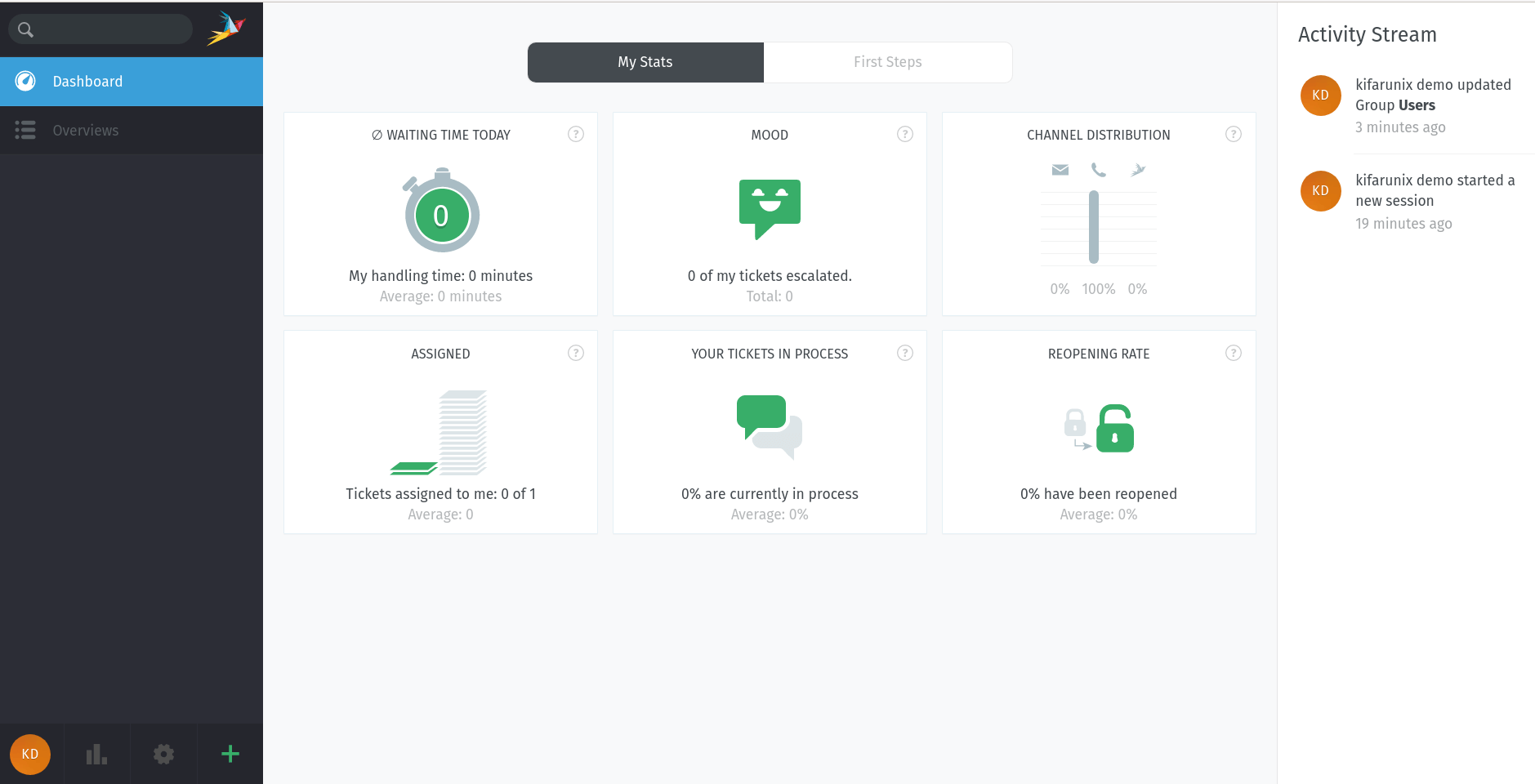
Welcome to our tutorial on how to install Zammad ticketing system on Ubuntu 20.04. According to Zammad documentation page, “Zammad is a web based open

Latest Posts

Configure OpenShift 4 Image Registry Persistent Storage with ODF: 2026 Step-by-Step Guide

How to Install and Configure OpenShift Data Foundation (ODF) on OpenShift 4.20: Step-by-Step Guide [2026]

How to Deploy an OpenShift Cluster Using Agent-Based Installer (Bootable ISO, KVM & Bare Metal)

Integrate Request Tracker (RT) with Active Directory for Authentication

How to Enable Self-Service Password Reset in Request Tracker (RT)

Configure Request Tracker to Send Mails using MSMTP via Gmail Relay

Containers

Setup Highly Available Kubernetes Cluster with Haproxy and Keepalived

Deploy Nagios as a Docker Container

How to Install Docker Resource Usage Extension

Introduction to Role-Based Access Control (RBAC) in Kubernetes

Deploy ELK Stack 8 Cluster on Docker Containers

Deploy NRPE Agent as a Docker Container

Security

Install and Setup VeraCrypt on Linux Mint 21

Configure OpenVPN Clients to use specific DNS Server

Create Locally Trusted SSL Certificates with mkcert on Ubuntu 18.04

Process and Visualize ModSecurity Logs on ELK Stack

How to Install OPNsense on VirtualBox

Why Cybersecurity Investments Are Non-Negotiable for Modern Businesses

Monitoring

Integrate Prometheus with Grafana for Monitoring

Create Custom ELK Ingest Pipeline for Custom Log Processing

Delete Specific Records from Elasticsearch Index

Monitoring Gitlab Metrics with Prometheus and Grafana

Monitor Changes to Critical Files on Windows Systems using Wazuh and ELK

Install Zabbix 4.x from Sources on Debian 10 Buster

© 2026 kifarunix.com

Home Advertise with us Privacy Policy