Skip to content
kifarunix.com
  • Home
  • Blog
    • HowTos
    • Containers
    • Security
    • Networking
    • Storage
    • Virtualization
    • Monitoring
  • About Us
  • Contact Us

extend openstack instance disk

resize instance openstack

Easily Extend Linux Root Partition on OpenStack Instance

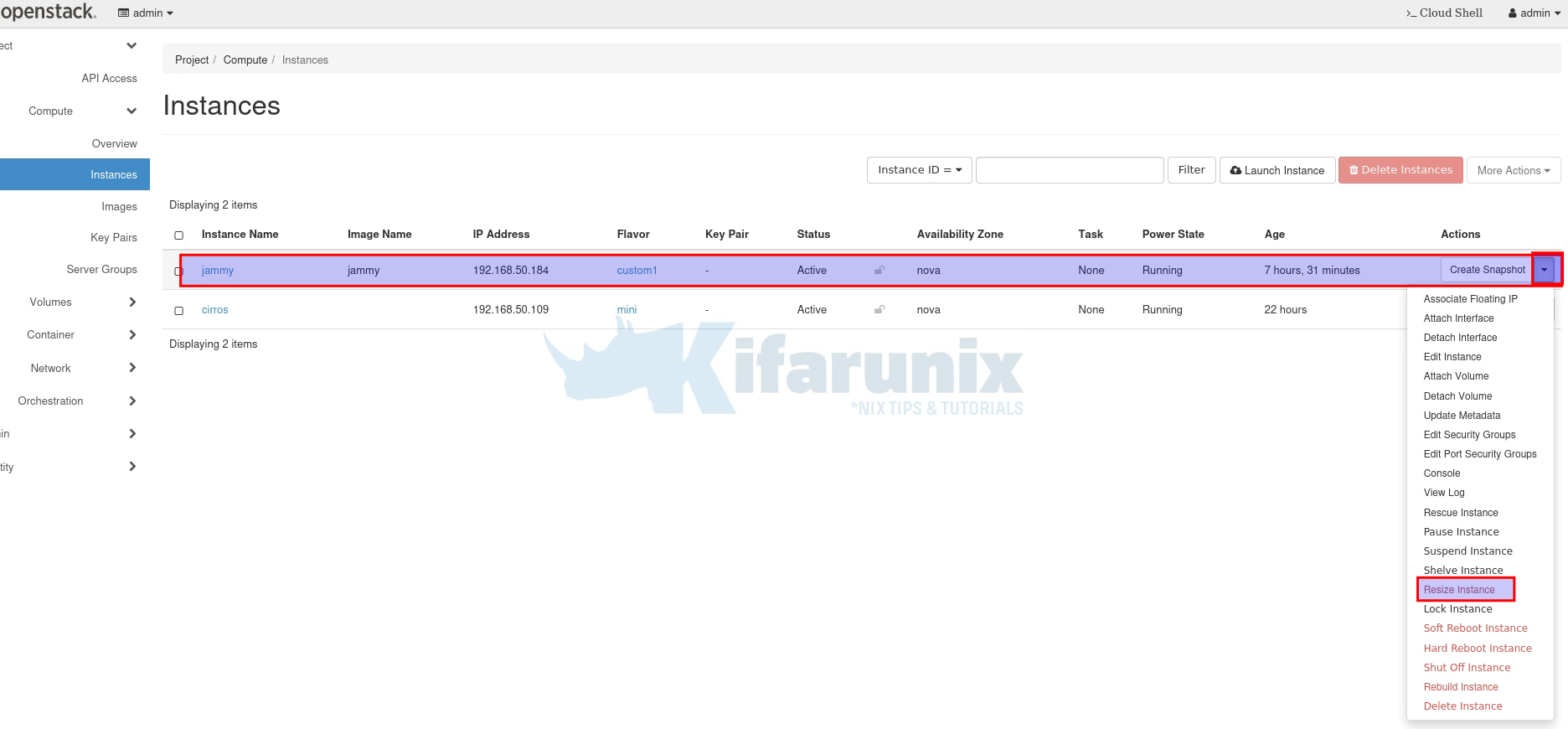
In this tutorial, we will show you an easy way to extend Linux root partition on OpenStack instance. In OpenStack, it is possible to extend

Latest Posts

How to Enable User Workload Monitoring in OpenShift 4.20: Let Developers Monitor Their Apps

How to Configure Production-Ready Monitoring in OpenShift: Prometheus, Alertmanager & Persistent Storage

Configure OpenShift 4 Image Registry Persistent Storage with ODF: 2026 Step-by-Step Guide

How to Install and Configure OpenShift Data Foundation (ODF) on OpenShift 4.20: Step-by-Step Guide [2026]

How to Deploy an OpenShift Cluster Using Agent-Based Installer (Bootable ISO, KVM & Bare Metal)

Integrate Request Tracker (RT) with Active Directory for Authentication

Containers

Deploy Ceph Storage Cluster in Kubernetes using Rook

Install Portainer Extension on Docker Desktop

Install Portainer on Rocky Linux

How to Automate OpenShift Builds with Git Webhooks: Step-by-Step Guide

Disaster Recovery in Kubernetes: etcd Backup and Restore with etcdctl and etcdutl

Install Docker on Rocky Linux 8|9

Security

Install ModSecurity 3 with Nginx on Ubuntu 22.04

How to Install and Use WPScan WordPress Vulnerability Scanner Ubuntu 18.04

Install Apache Web Server on Debian 12

Install Zeek on Ubuntu 20.04

Install Wazuh Server on Rocky Linux 8/Rocky Linux 9

Protecting Your Privacy: How VPNs Safeguard Your Online Presence

Monitoring

Install Grafana on Ubuntu 22.04/20.04/18.04

Fix AlienVault HIDS Events Displaying 0.0.0.0 as IP Address

Detecting Malicious Files with Wazuh and VirusTotal

Install Velociraptor Client on Linux and Windows Systems

How to Install Grafana on Debian 12

Quick Way to Install and Configure SNMP on Ubuntu 20.04

© 2026 kifarunix.com

Home Advertise with us Privacy Policy