Skip to content
kifarunix.com
  • Home
  • Blog
    • HowTos
    • Containers
    • Security
    • Networking
    • Storage
    • Virtualization
    • Monitoring
  • About Us
  • Contact Us

upgrade openshift

upgrade openshift 4

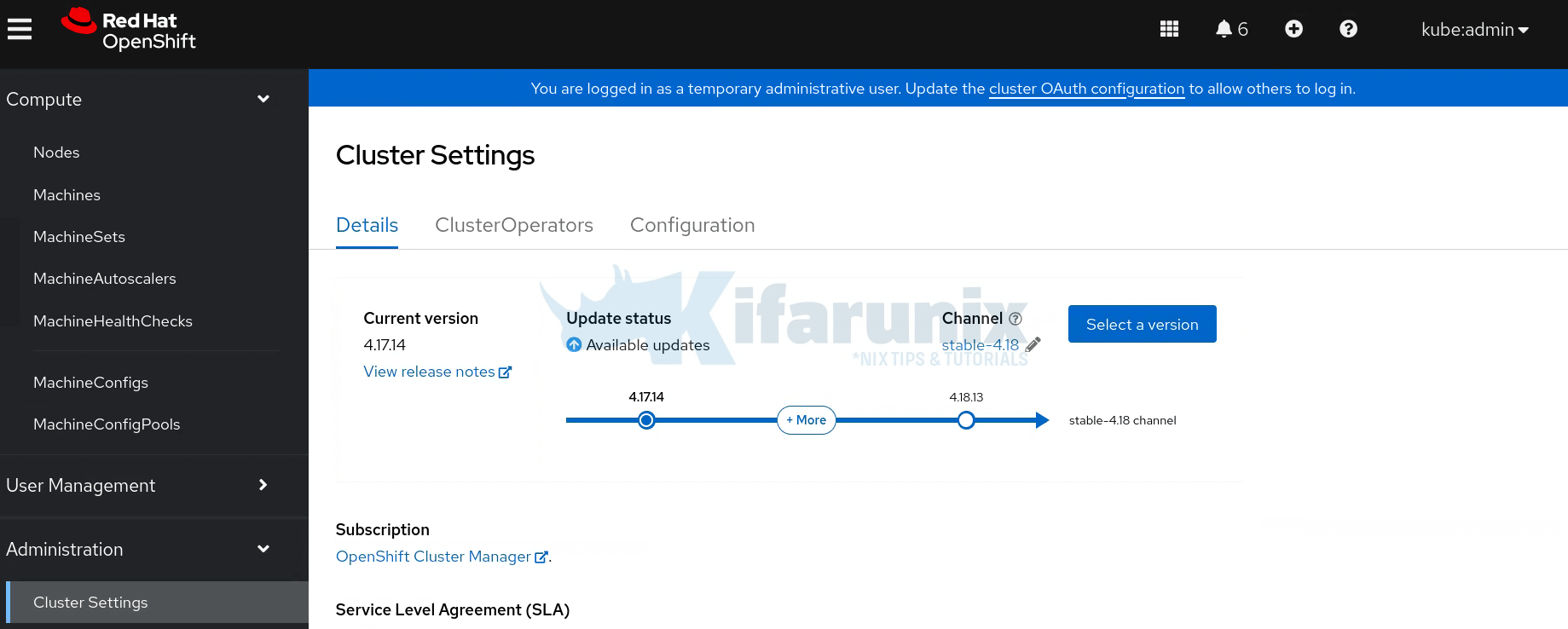
How to Upgrade OpenShift Cluster: Seamless Steps for Success

In this blog post, I’ll walk you through a flawless step-by-step guide on how to upgrade OpenShift Cluster, from pre-update preparation to post-upgrade validation. By

Latest Posts

How to Install and Configure OpenShift Data Foundation (ODF) on OpenShift 4.20: Step-by-Step Guide [2026]

How to Deploy an OpenShift Cluster Using Agent-Based Installer (Bootable ISO, KVM & Bare Metal)

Integrate Request Tracker (RT) with Active Directory for Authentication

How to Enable Self-Service Password Reset in Request Tracker (RT)

Configure Request Tracker to Send Mails using MSMTP via Gmail Relay

How to Enable HTTPS for Request Tracker on Linux

Containers

How to Setup Three Node Docker Swarm Cluster on Ubuntu 22.04

Why Docker Hardened Images Are a Game-Changer for Software Supply Chain Security

Deploy All-in-One OpenStack with Kolla-Ansible on Ubuntu 22.04

Kubernetes Nodes Maintenance: Drain vs. Cordon Demystified

Installing Minikube on Ubuntu 24.04

Install and Setup Kubernetes Cluster on RHEL 9

Security

Cybersecurity for Your Business: What Is the Importance of Implementing It

How to Enable Secure Shell (SSH) server on OPNsense

How to Install IBM QRadar Community Edition SIEM on VirtualBox

Install and Configure OpenVPN Client on CentOS 8/Ubuntu 18.04

Install Zammad Ticketing System on Debian 12

Install LibModsecurity with Apache on Ubuntu 20.04

Monitoring

How to run Multiple Filebeat Instances in Linux

Fix AlienVault HIDS Events Displaying 0.0.0.0 as IP Address

How to Install Osquery on Ubuntu 18.04

Setup Highly Available Elasticsearch Cluster with Keepalived

Nagios SNMP Monitoring of Linux Hosts on AlienVault USM/OSSIM

Install and Configure Filebeat 7 on Ubuntu 18.04/Debian 9.8

© 2026 kifarunix.com

Home Advertise with us Privacy Policy