Skip to content
kifarunix.com
  • Home
  • Blog
    • HowTos
    • Containers
    • Security
    • Networking
    • Storage
    • Virtualization
    • Monitoring
  • About Us
  • Contact Us

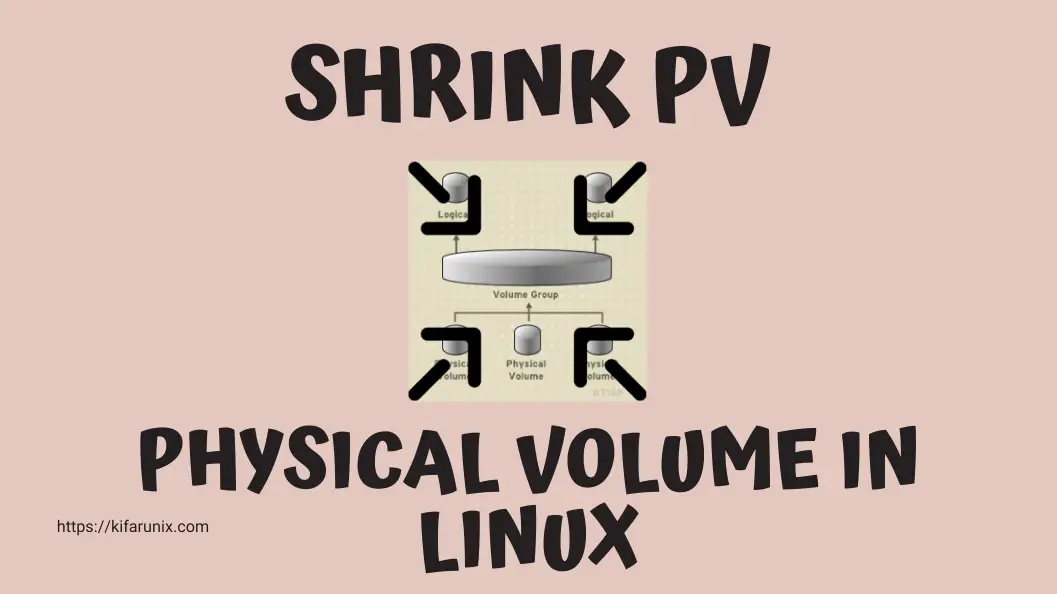
How do I shrink physical volume in Linux?

reduce or shrink Physical Volume in Linux

How to Reduce or Shrink Physical Volume in Linux

How do I shrink physical volume in Linux? In this tutorial, you will learn how to reduce or shrink Physical Volume in Linux. In a

Latest Posts

How to Enable User Workload Monitoring in OpenShift 4.20: Let Developers Monitor Their Apps

How to Configure Production-Ready Monitoring in OpenShift: Prometheus, Alertmanager & Persistent Storage

Configure OpenShift 4 Image Registry Persistent Storage with ODF: 2026 Step-by-Step Guide

How to Install and Configure OpenShift Data Foundation (ODF) on OpenShift 4.20: Step-by-Step Guide [2026]

How to Deploy an OpenShift Cluster Using Agent-Based Installer (Bootable ISO, KVM & Bare Metal)

Integrate Request Tracker (RT) with Active Directory for Authentication

Containers

Setup Portainer with SSL Certificates

Step-by-Step Guide on Deploying an Application on Kubernetes Cluster

Install Docker on Rocky Linux 8|9

Kubernetes Ingress Explained: How to Manage External Access to Your Services

Install Portainer on Rocky Linux

How to Configure Production-Ready Monitoring in OpenShift: Prometheus, Alertmanager & Persistent Storage

Security

How to Install Acunetix on Ubuntu 18.04

Install Passbolt Password Manager on Rocky Linux 8

How to Set System Wide Proxy in Ubuntu 18.04

Install and Setup Pritunl VPN Server on Debian

Install ModSecurity with Apache on Ubuntu 22.04

Install Nikto Web Scanner on Rocky Linux 8

Monitoring

Setup Multi-node Elasticsearch Cluster

Monitor SSL/TLS Certificates Expiry with Nagios

Install Nagios NRPE Agents on Ubuntu 22.04/Ubuntu 20.04

Install and Configure Tripwire Security Monitoring tool on CentOS 8

Install Grafana Plugins Behind a Proxy server

Install Latest Grafana on CentOS 8

© 2026 kifarunix.com

Home Advertise with us Privacy Policy